


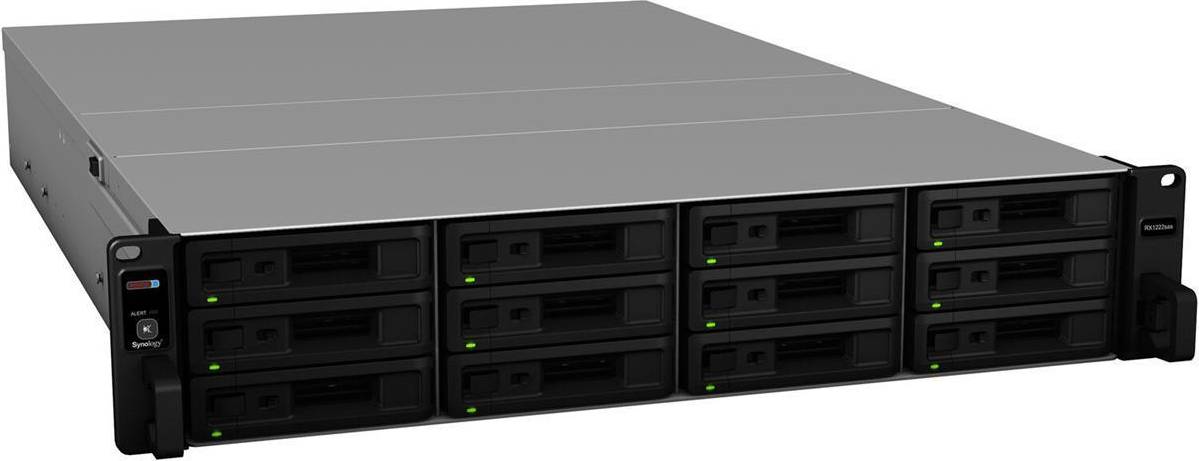


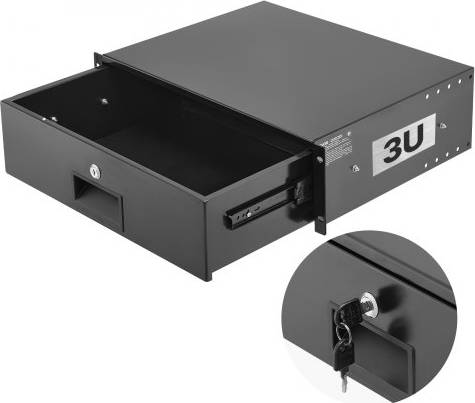


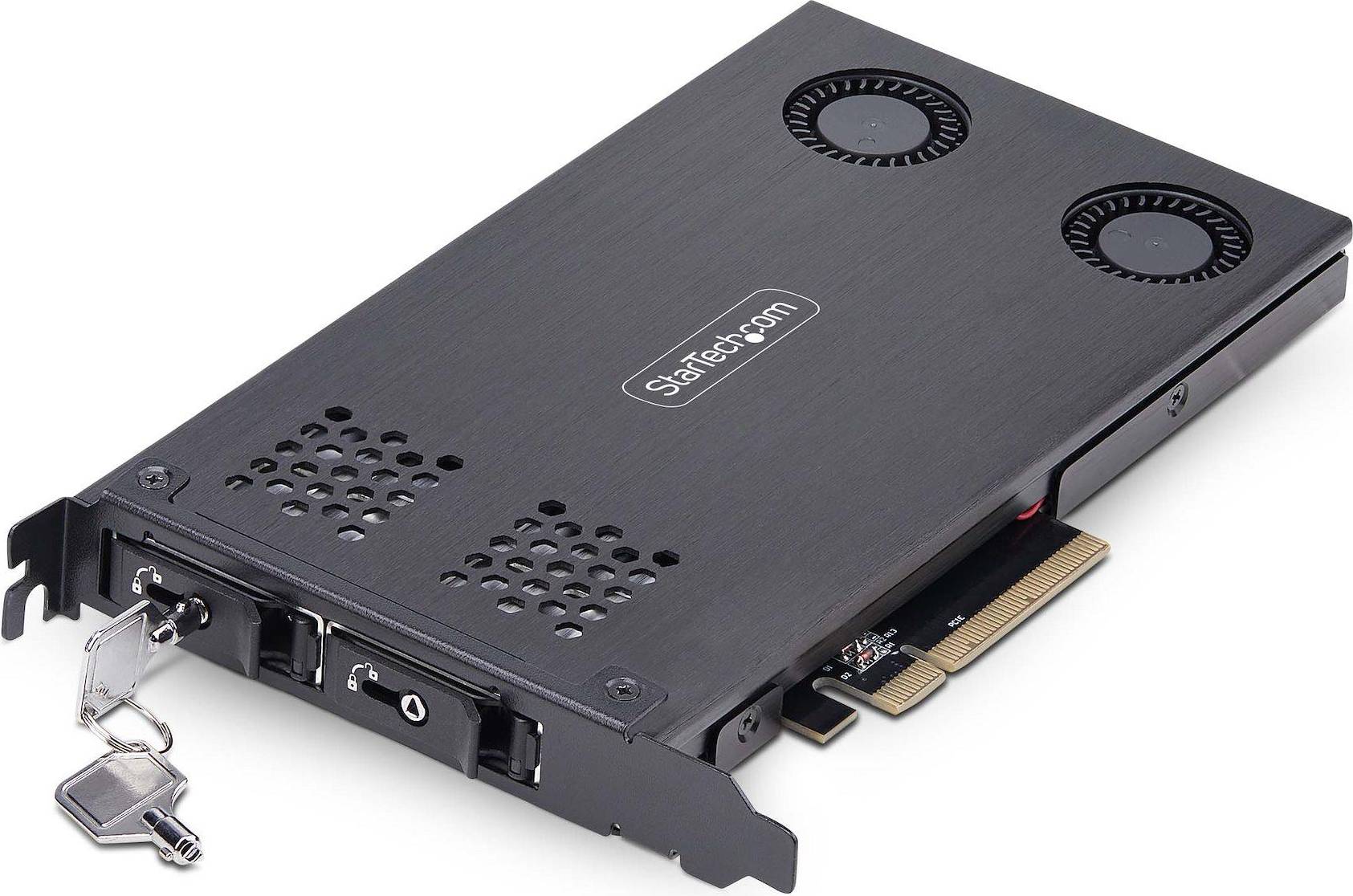


External Enclosures are devices that house hard drives or SSDs, allowing them to connect to computers via USB or other interfaces. They provide a way to expand your storage easily.
External Enclosures are selected based on drive size, interface type, and usage purpose. Ensure compatibility with your existing hardware. Identify whether you need an enclosure for a 2.5″ or 3.5″ drive. Check the interface options like USB 3.0 or Thunderbolt for optimal performance.
External Enclosures can enhance data transfer speeds if they support high-speed interfaces like USB 3.1 or Thunderbolt 3. Look for enclosures with the latest technology to maximize speed, especially if you work with large files or perform frequent backups.
External Enclosures are usually compatible with major operating systems like Windows, macOS, and Linux. However, always check the manufacturer's specifications for any limitations or necessary drivers. Compatibility ensures smooth operation without additional software installation.
External Enclosures may need external power sources if they house larger drives like 3.5″ HDDs. Smaller enclosures for 2.5″ drives often draw power directly from the computer via USB. Consider your workspace setup and power outlet availability when choosing an enclosure.
External Enclosures: 3 things to consider before buying
When choosing External Enclosures, ensure they are compatible with your hard drive size and type. Most enclosures support either 2.5″ or 3.5″ drives, so check the specifications of your hard drive before purchasing. Additionally, verify if the enclosure supports SSDs or HDDs based on your storage needs. Example: If you have a 2.5″ SSD, look for an enclosure that explicitly mentions compatibility with this size and type to ensure optimal performance.
Connectivity is key to maximizing the performance of External Enclosures. Look for options with USB 3.0 or higher for faster data transfer speeds compared to older USB versions. If you require even faster speeds, consider enclosures with Thunderbolt connectivity. Practical Tip: If you frequently transfer large files, investing in an enclosure with USB-C or Thunderbolt can significantly reduce waiting times.
Proper cooling is essential to maintain the longevity and efficiency of your drives within External Enclosures. Look for enclosures that offer built-in fans or efficient heat dissipation designs like aluminum casings. Insight: If you plan to use the enclosure for extended periods, cooling features become crucial to prevent overheating and potential damage to your hard drive.
Anuncio
External Enclosures
- Ssd enclosure thunderbolt
- 3.5 inch sata enclosure
- Sata to usb
- External hard disk drive
- Sabrent nvme rocket
- Usb sata adapter
- 2.5 external hard drive enclosure
- External disk drive
- M2 nvme
- Hard drive enclosures
- Hdd rack
- Sata to usb cable
- M.2 sata ssd 3.2
- External ssd for laptop
- Usb hard drive adapter
- Usb to sata adapter
- M2 2242
- 3.5 sata to usb
- Ssd sata cable
- Hard drive reader
- Orico External Enclosures
- Sabrent External Enclosures
- NVMe External Enclosures
- Icy Dock External Enclosures
- UGREEN External Enclosures
- StarTech External Enclosures
- Acomdata External Enclosures
- OWC External Enclosures
- Oyen Digital External Enclosures
- Mediasonic External Enclosures
- ASUS External Enclosures
- Silverstone External Enclosures
- Inateck External Enclosures
- QNAP External Enclosures
- CRU External Enclosures
- IStarUSA External Enclosures
- Syba External Enclosures
- Satechi External Enclosures
- Tripp Lite External Enclosures
- Akitio External Enclosures
Una compra de $1,000 podría costar $173.53 al mes durante 6 meses con una TPA del 13.99 %. La tasa varía de 0.00 % a 35.99 % de TPA según la solvencia crediticia, la duración del plazo y está sujeta a aprobación crediticia, resultando, por ejemplo, en 3 pagos mensuales iguales de $333.33 con una TPA del 0.00 % hasta $353.52 con una TPA del 35.99 % por cada $1,000 prestados. Se puede requerir un monto mínimo de compra y un pago inicial. La estimación del pago mensual excluye posibles costos de impuestos y envío. Financiamiento mensual a través de Klarna emitida por WebBank.
Consulta los términos de pago. Es posible que se requiera un pago inicial más alto para algunos consumidores. Préstamos para residentes de CA otorgados o gestionados conforme a una licencia de la Ley de Financiamiento de California. NMLS # 1353190.