











Computer Spare Parts: 3 things to consider before buying
Before purchasing any Computer Spare Parts, it's crucial to ensure compatibility with your existing system. Check the specifications of your computer or motherboard to determine the correct size, type, and connection interfaces required. For example, if you're upgrading RAM, verify whether your system supports DDR3 or DDR4 memory modules. This step helps avoid the hassle of returns and ensures a smooth installation process.
When it comes to Computer Spare Parts, quality can significantly impact performance and longevity. Opt for parts from reputable brands known for reliability and durability. Brands like Corsair, Kingston, and Intel have established trust in the market. Investing in high-quality components may cost more upfront but can save you from frequent replacements or repairs down the line.
Understanding your specific needs is vital when selecting Computer Spare Parts. Consider what features are essential for your use case. For instance, if you're building a gaming PC, prioritize a powerful graphics card and adequate cooling solutions. Conversely, if your primary tasks involve basic office work or browsing, you might focus on efficient storage solutions like SSDs for faster boot times and data access. Tailoring your purchase to match your requirements ensures you get the best value without overspending on unnecessary features.
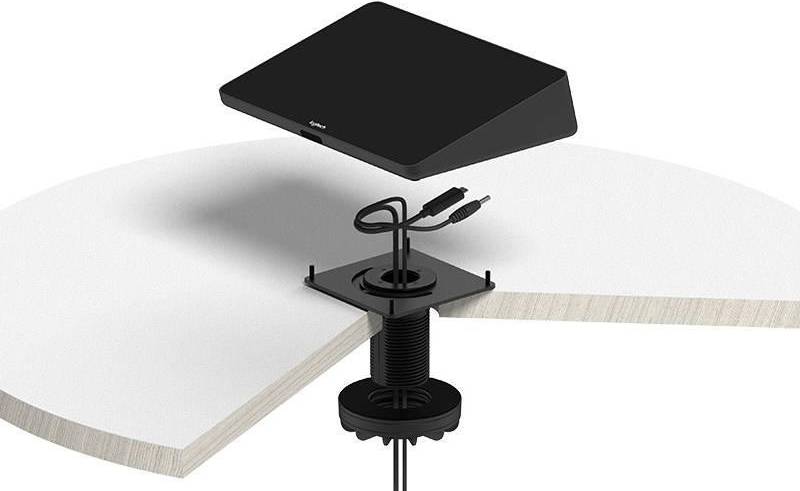
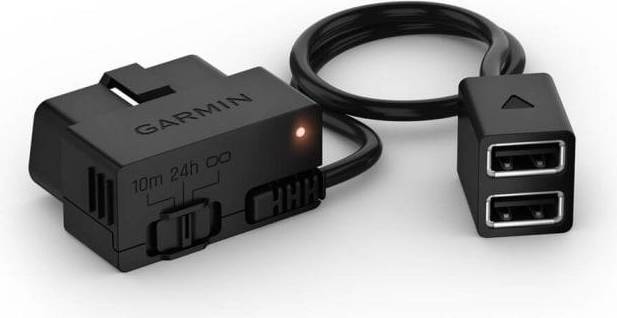
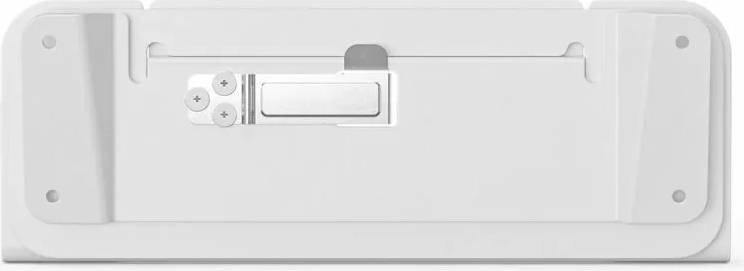
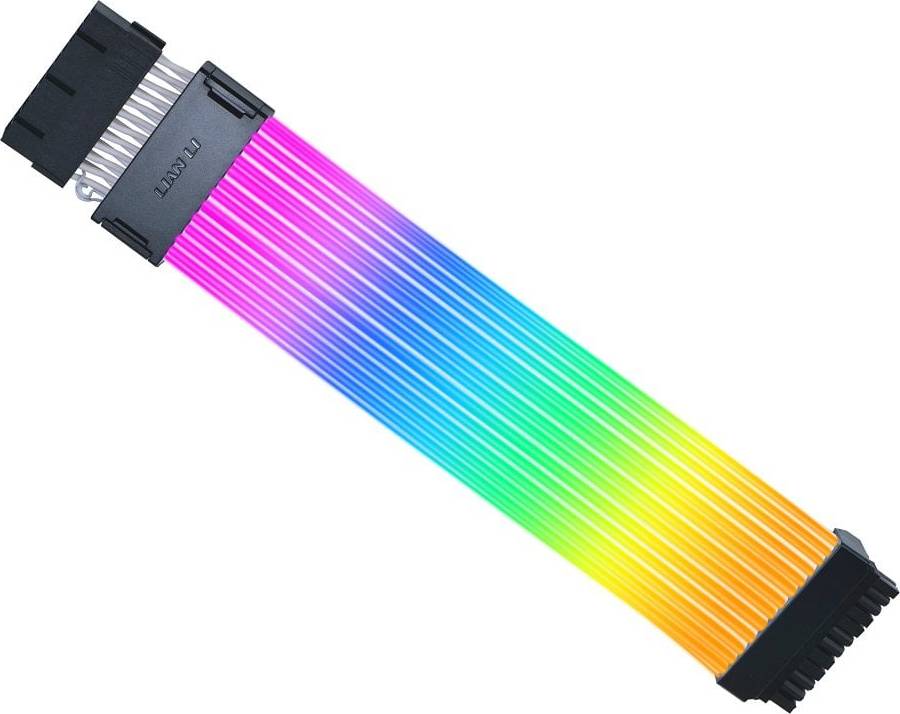
Computer Spare Parts are components used to replace or upgrade parts in a computer. They include items like RAM, hard drives, and graphics cards. Choosing the right spare parts depends on your computer's specifications and your performance needs. Ensure compatibility with your existing system for optimal performance.
Computer Spare Parts like RAM should match your motherboard's requirements. Check the type (DDR3, DDR4), speed (measured in MHz), and capacity (GB) supported by your system. Higher capacity and speed generally improve performance, but ensure compatibility with your device before purchasing.
Computer Spare Parts such as hard drives come in different types like HDDs and SSDs. SSDs are faster but often more expensive than HDDs. Consider storage capacity, read/write speeds, and whether you need portability (external drives) or internal replacements for better storage solutions.
Computer Spare Parts like graphics cards enhance visual output and processing power for gaming. They render high-quality graphics smoothly. Look for features like VRAM size, clock speed, and compatibility with your system to ensure you can run games at desired settings without lag.
Computer Spare Parts such as power supply units (PSUs) provide electricity to all components. Check the wattage requirement of each component and ensure the PSU exceeds this total. Look for efficiency ratings like 80 Plus to ensure energy savings and stable performance.
Anuncio
Computer Spare Parts
- Computer parts
- Acer predator helios 300
- Hp pavilion x360 14
- Desktop computer parts
- Tpm module
- Kindle oasis
- Lenovo ideapad s340
- Dell latitude 5400
- Ibm thinkpad
- Apple macbook air 2020
- Msi gp76
- Lenovo yoga battery replacement
- Dell latitude 7440
- Dell xps 13 9320
- Lenovo v15 g2
- Lenovo thinkpad t480
- Dell 5430
- Hdmi ps5
- Mobile broadband
- Psu cable extension kit
- HP Computer Spare Parts
- ASUS Computer Spare Parts
- Computer Spare Parts on sale
- Acer Computer Spare Parts
- Samsung Computer Spare Parts
- Lenovo Computer Spare Parts
- Dell Computer Spare Parts
- Fujitsu Computer Spare Parts
- Lian Li Computer Spare Parts
- Apple Computer Spare Parts
- Toshiba Computer Spare Parts
- MSI Computer Spare Parts
- Corsair Computer Spare Parts
- SuperMicro Computer Spare Parts
- Ergotron Computer Spare Parts
- Arduino Computer Spare Parts
- Vivo Computer Spare Parts
- Epson Computer Spare Parts
- Sony Computer Spare Parts
- Panasonic Computer Spare Parts
Una compra de $1,000 podría costar $173.53 al mes durante 6 meses con una TPA del 13.99 %. La tasa varía de 0.00 % a 35.99 % de TPA según la solvencia crediticia, la duración del plazo y está sujeta a aprobación crediticia, resultando, por ejemplo, en 3 pagos mensuales iguales de $333.33 con una TPA del 0.00 % hasta $353.52 con una TPA del 35.99 % por cada $1,000 prestados. Se puede requerir un monto mínimo de compra y un pago inicial. La estimación del pago mensual excluye posibles costos de impuestos y envío. Financiamiento mensual a través de Klarna emitida por WebBank.
Consulta los términos de pago. Es posible que se requiera un pago inicial más alto para algunos consumidores. Préstamos para residentes de CA otorgados o gestionados conforme a una licencia de la Ley de Financiamiento de California. NMLS # 1353190.