Keyboards
Prueba pagos flexibles conAprende cómo


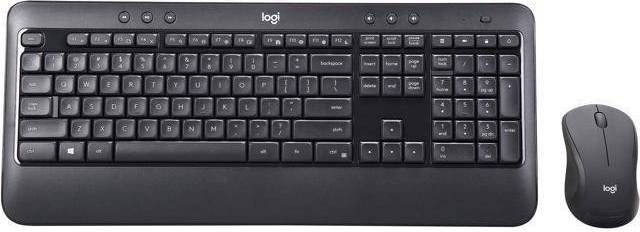




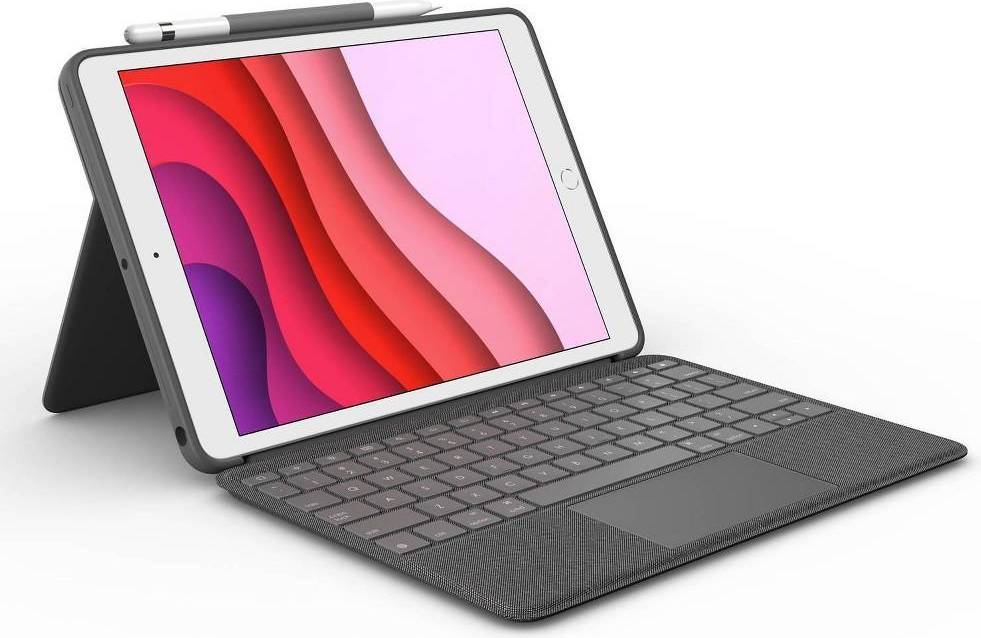
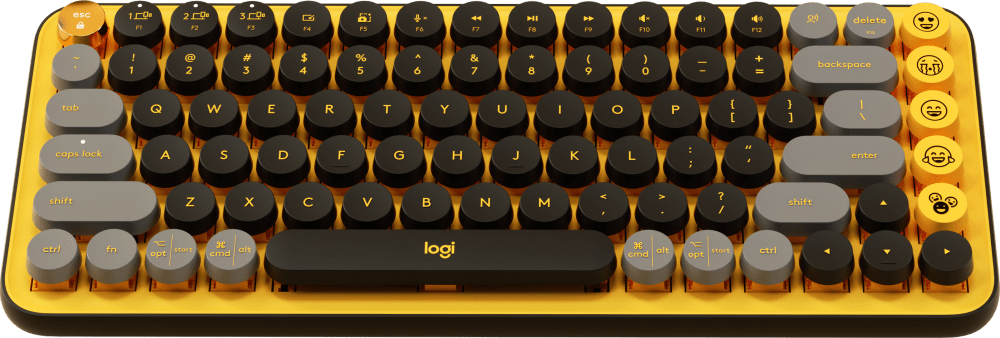





Keyboards: 3 things to consider before buying
Before purchasing keyboards, consider how you plan to use them. Are you a gamer, a writer, or someone who spends hours coding? Gamers might prefer mechanical keyboards with customizable keys and RGB lighting for better performance and aesthetics. Writers often lean towards ergonomic designs that reduce strain during long typing sessions. If portability is key, compact or wireless options may be your best bet. Understanding your primary use will help you narrow down choices effectively.
The type of key switches in keyboards significantly affects the typing experience. Mechanical switches, like Cherry MX, offer tactile feedback and durability, making them ideal for heavy typists and gamers. Membrane switches are quieter and more affordable, suitable for general use. There are also hybrid options like scissor switches, which combine aspects of both types. Try out different switch types in-store if possible to see which feels best for you.
Ensure that the keyboards you choose are compatible with your devices. Most modern keyboards connect via USB or Bluetooth, but it's crucial to verify they work with your operating system—be it Windows, macOS, or Linux. For those who prefer wireless setups, check the battery life and connectivity range to avoid interruptions during use. Some models even offer multi-device pairing, allowing seamless switching between devices with a single keyboard.
Keyboards are classified into several types, including mechanical, membrane, ergonomic, and wireless. Mechanical keyboards offer tactile feedback, while membrane keyboards are quieter. Ergonomic designs reduce strain during long use. Wireless models provide flexibility and reduced clutter. Consider your typing habits and workspace needs when choosing.
Keyboards are distinguished by their switch mechanisms. Mechanical keyboards use individual switches for each key, offering durability and tactile feedback. Membrane keyboards use a pressure pad system, making them quieter and more affordable. Choose based on your preference for feel and sound.
Keyboards designed for gaming often include customizable RGB lighting, programmable keys, and anti-ghosting technology. Look for mechanical switches for faster response times and durability. Consider additional features like wrist rests or dedicated media controls to enhance your gaming experience.
Keyboards using wireless technology can be very reliable with advancements in Bluetooth and RF connectivity. They offer the convenience of less clutter but may require regular battery changes or charging. Ensure compatibility with your devices and consider any potential lag if you need high performance.
Keyboards designed ergonomically focus on reducing strain by promoting a natural hand position. Look for split designs or adjustable angles that suit your typing style. Consider trying different models to find one that feels comfortable over extended periods of use.
Anuncio
Keyboards
- Apple magic keyboard
- Mechanical gaming keyboards
- Gravastar
- Apple ipad pro 12.9
- Apple magic keyboard ipad pro
- Logitech k380
- Razer huntsman mini
- Steelseries apex gaming keyboards
- Apex pro tkl
- Surface pro 8
- Surface pro 9
- Ipad pro m4
- Magic keyboard ipad pro 13"
- Magic keyboard ipad air
- Ipad pro m2
- Razer blackwidow v4
- Razer ornata v3
- Microsoft surface keyboard
- Ipad keyboard
- Ipad keyboard and case
- Gaming Keyboards
- Wooting Keyboards
- Redragon Keyboards
- Keychron Keyboards
- Mechanical Keyboards
- Tablet Keyboards
- Keychron Mechanical Keyboards
- YUNZII Keyboards
- Logitech Keyboards
- Razer Keyboards
- Apple Keyboards
- Drop Keyboards
- Bluetooth Keyboards
- Akko Keyboards
- Corsair Keyboards
- Royal Kludge Keyboards
- Ducky Keyboards
- 60% Keyboards
- HP Keyboards
- Mechanical Keyboards on sale
Una compra de $1,000 podría costar $173.53 al mes durante 6 meses con una TPA del 13.99 %. La tasa varía de 0.00 % a 35.99 % de TPA según la solvencia crediticia, la duración del plazo y está sujeta a aprobación crediticia, resultando, por ejemplo, en 3 pagos mensuales iguales de $333.33 con una TPA del 0.00 % hasta $353.52 con una TPA del 35.99 % por cada $1,000 prestados. Se puede requerir un monto mínimo de compra y un pago inicial. La estimación del pago mensual excluye posibles costos de impuestos y envío. Financiamiento mensual a través de Klarna emitida por WebBank.
Consulta los términos de pago. Es posible que se requiera un pago inicial más alto para algunos consumidores. Préstamos para residentes de CA otorgados o gestionados conforme a una licencia de la Ley de Financiamiento de California. NMLS # 1353190.