Network Cards & Bluetooth Adapters
Prueba pagos flexibles conAprende cómo


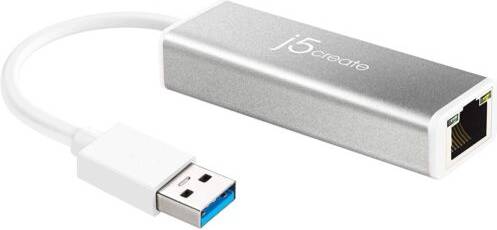

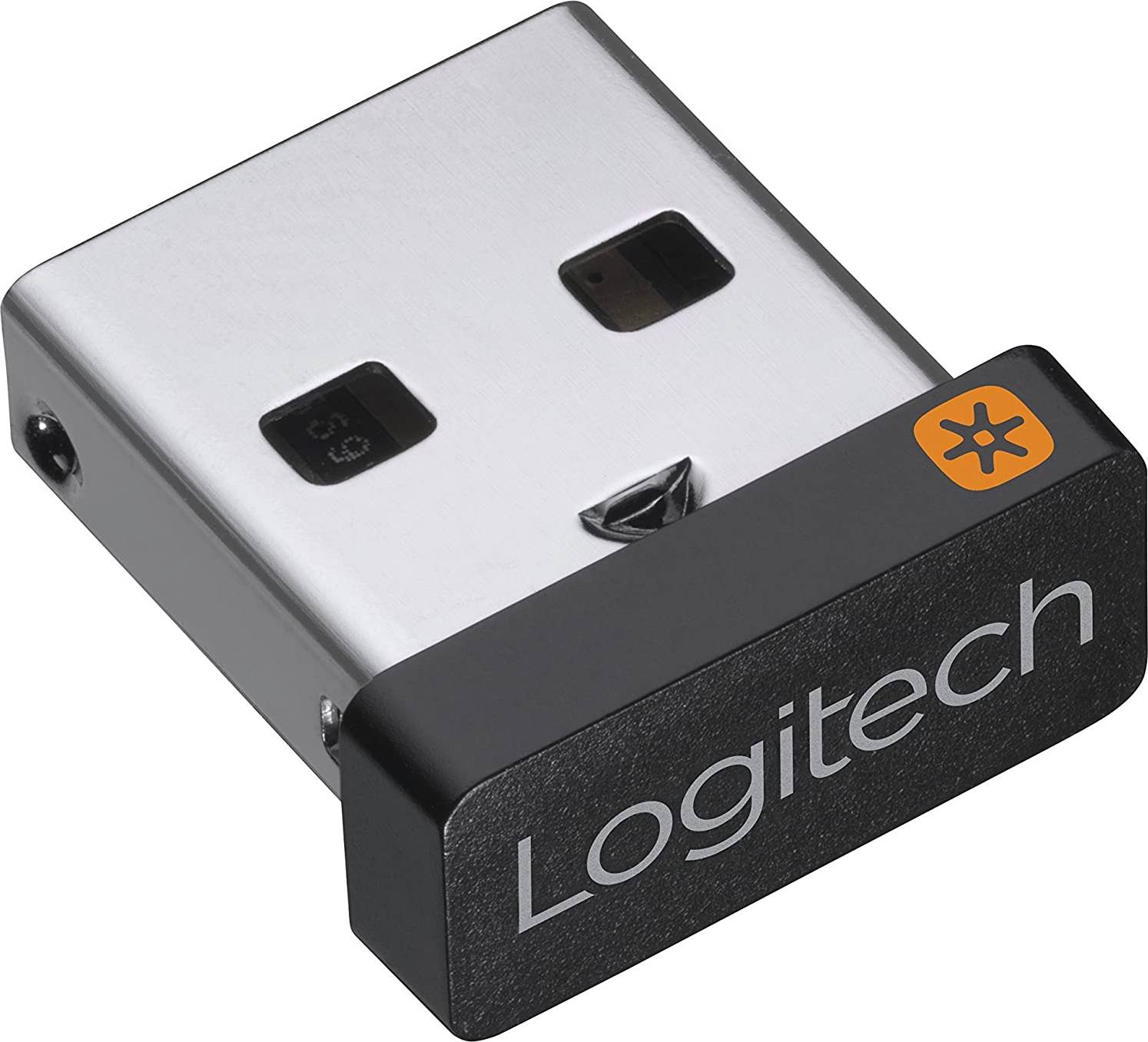


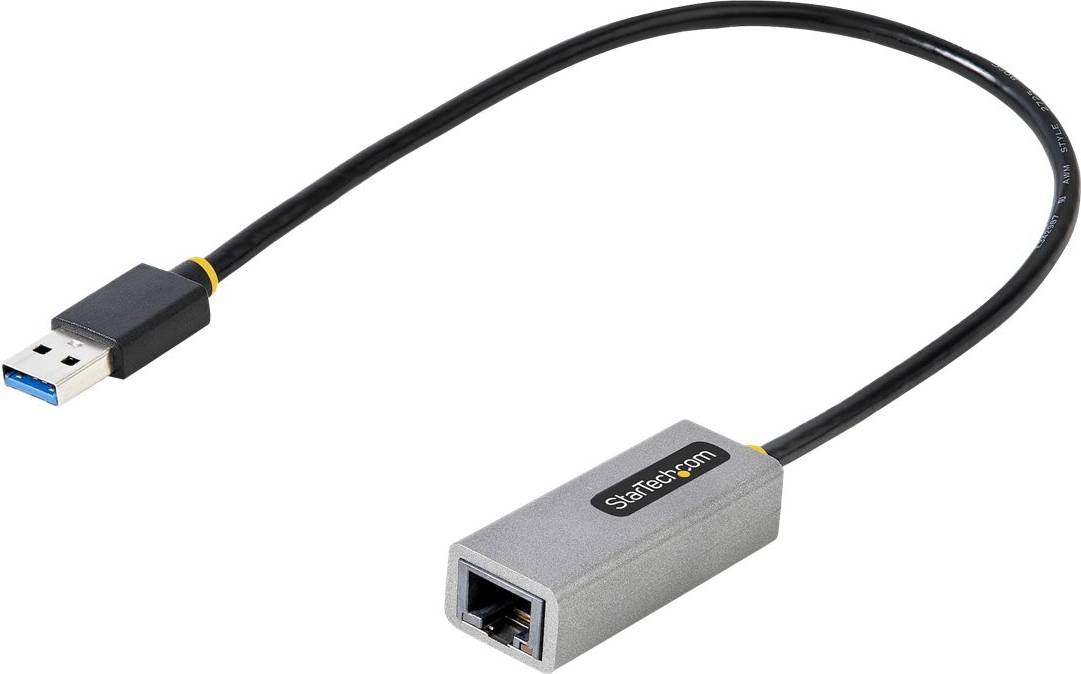
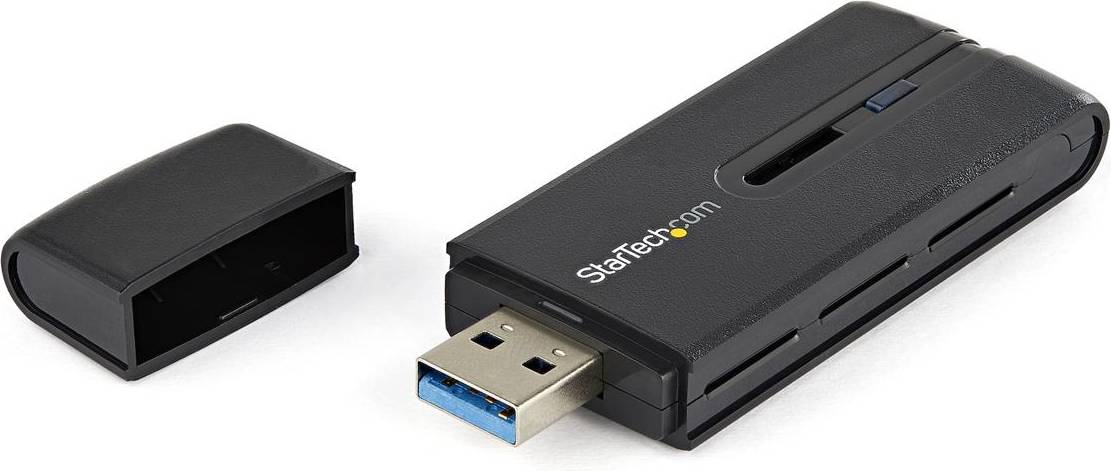
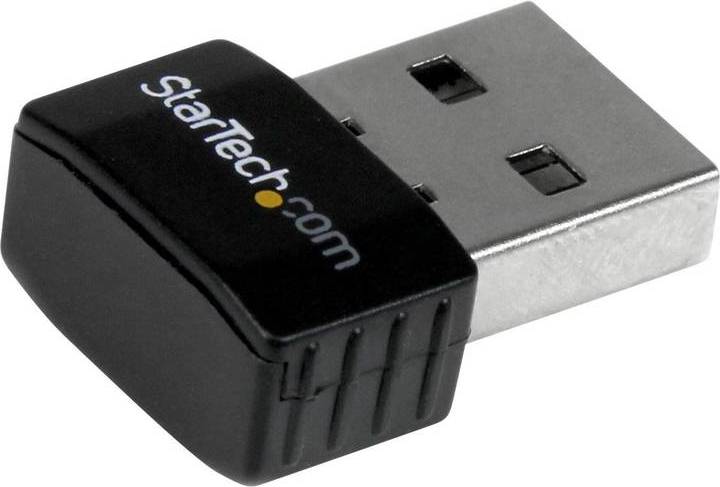
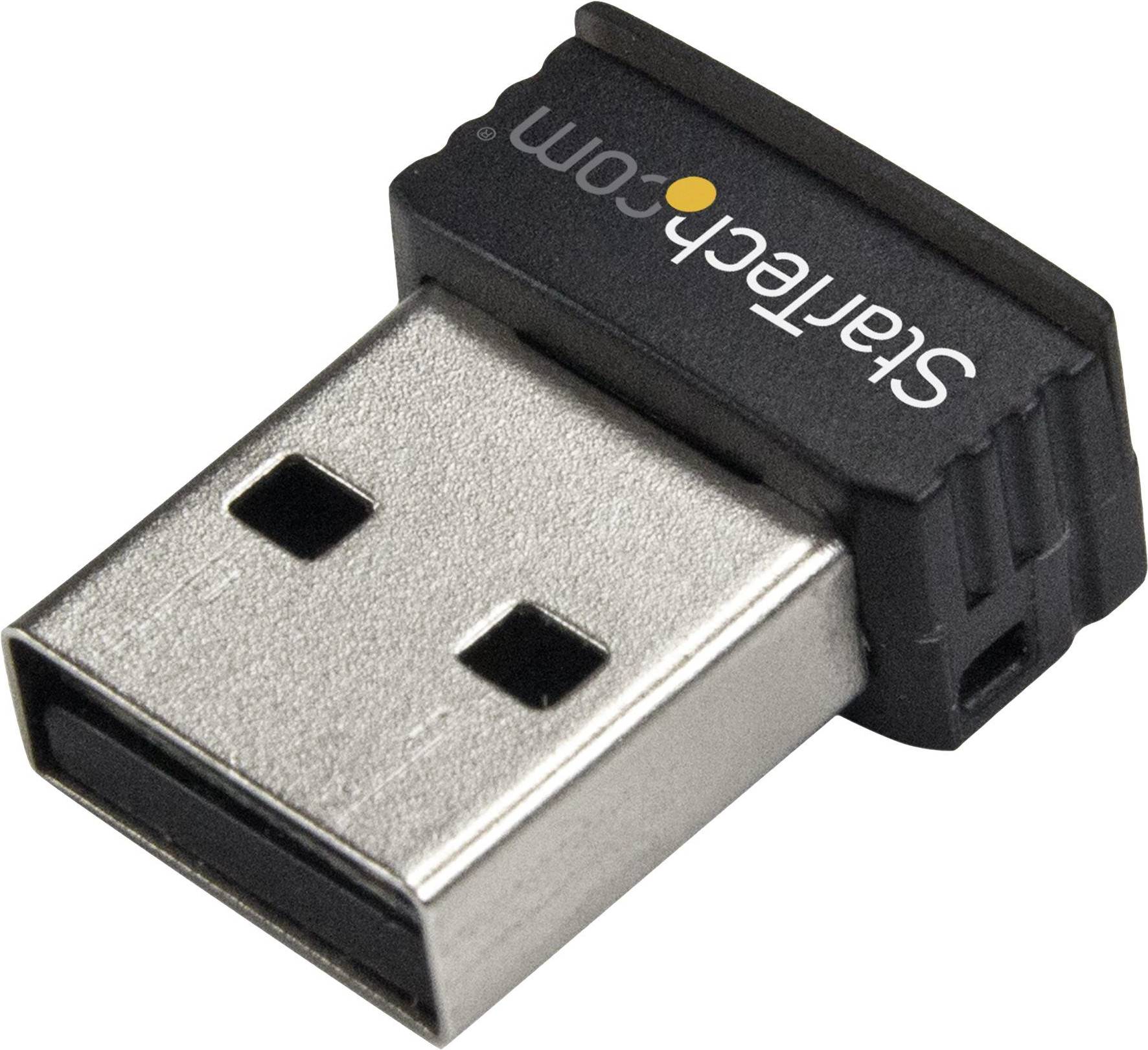

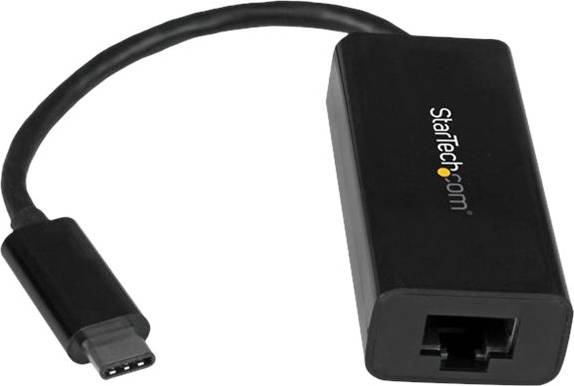

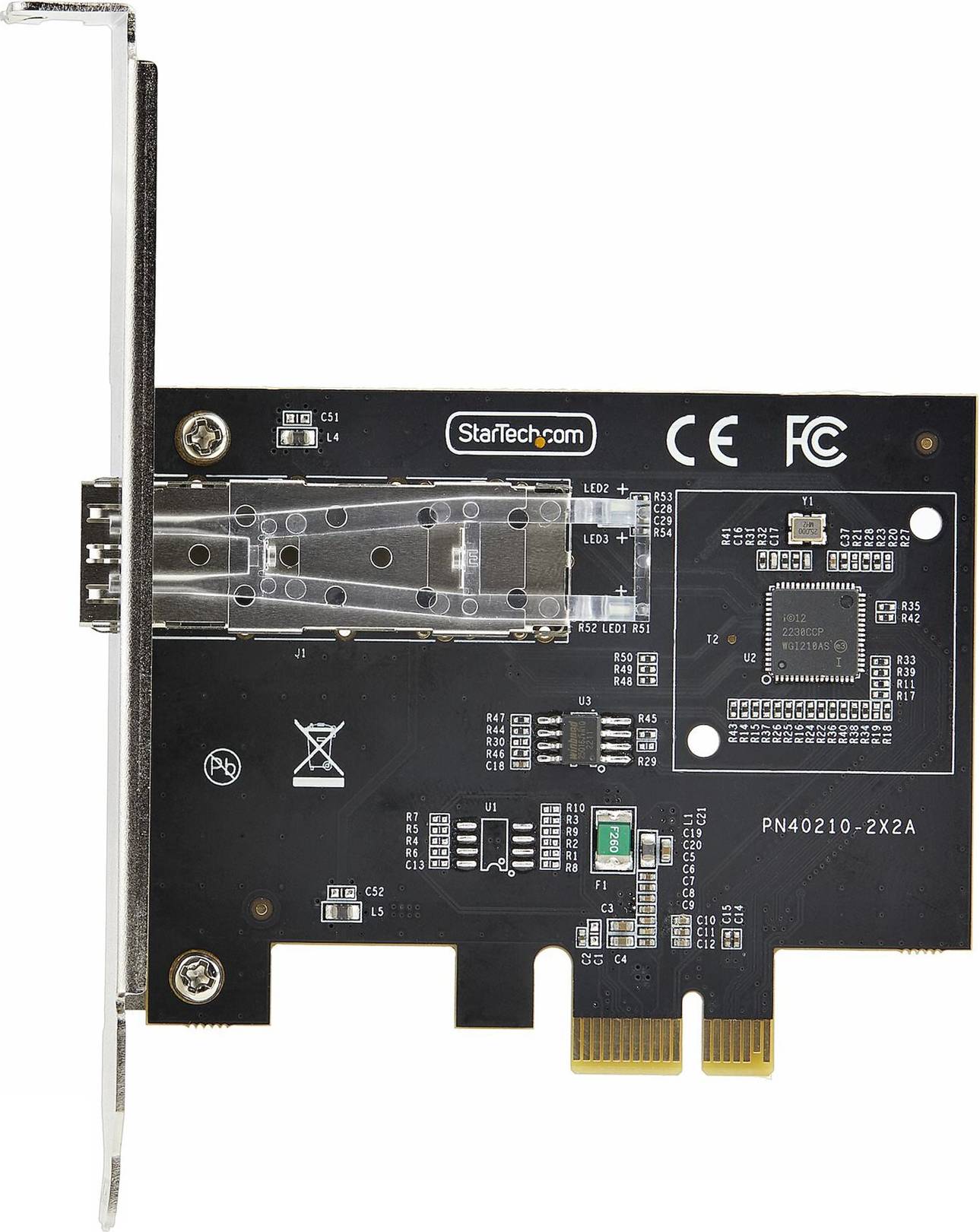
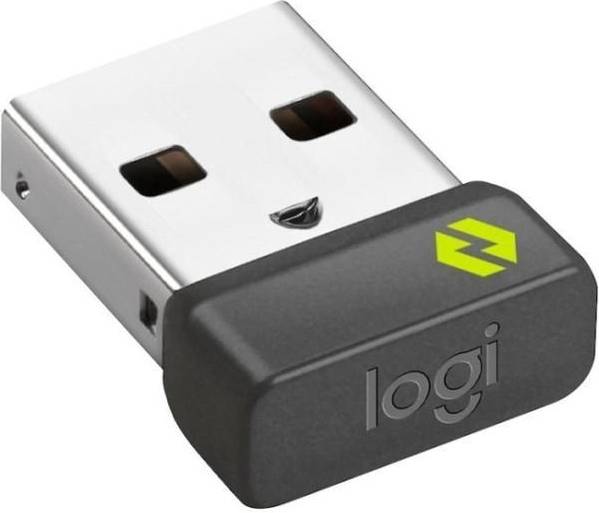


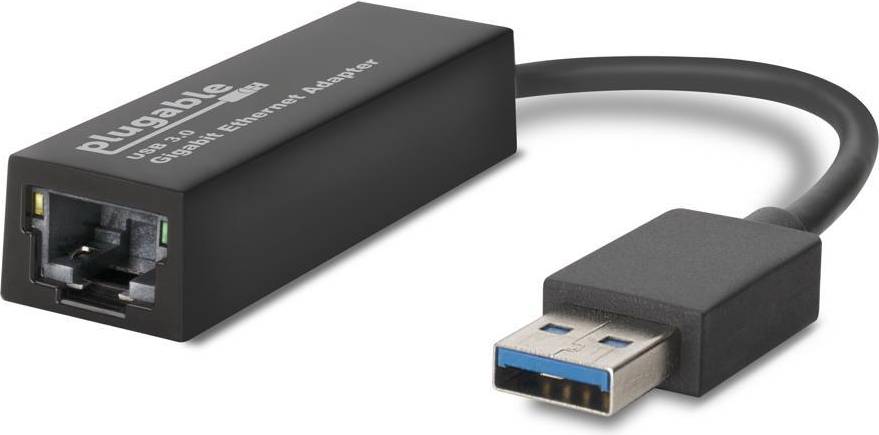


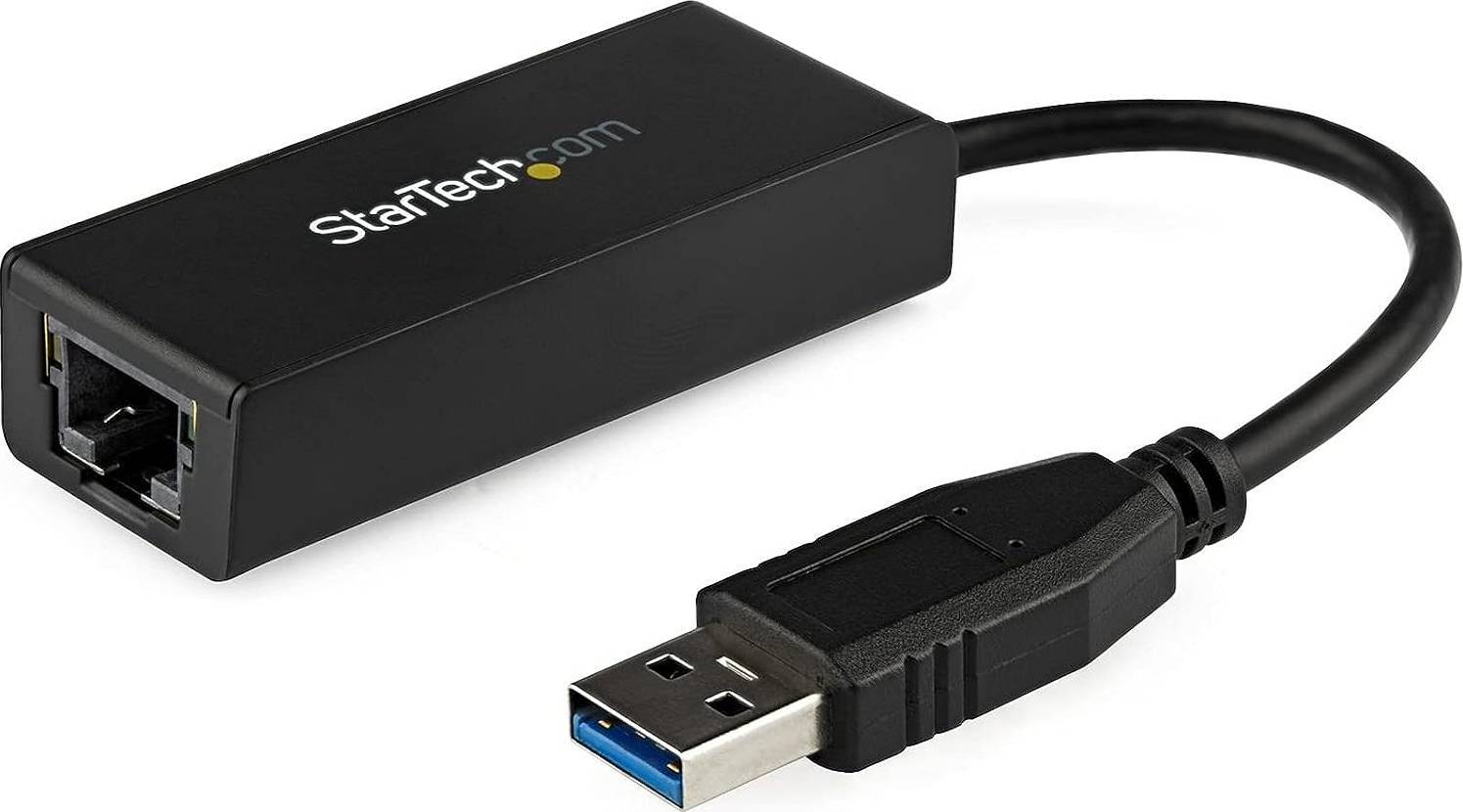
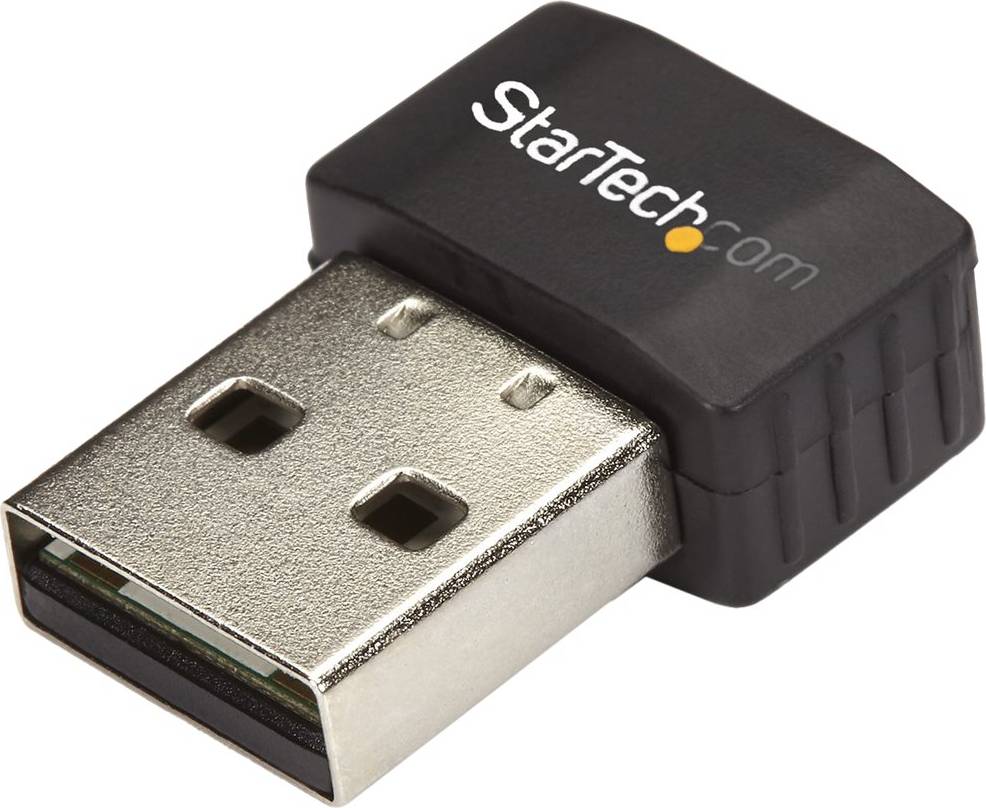


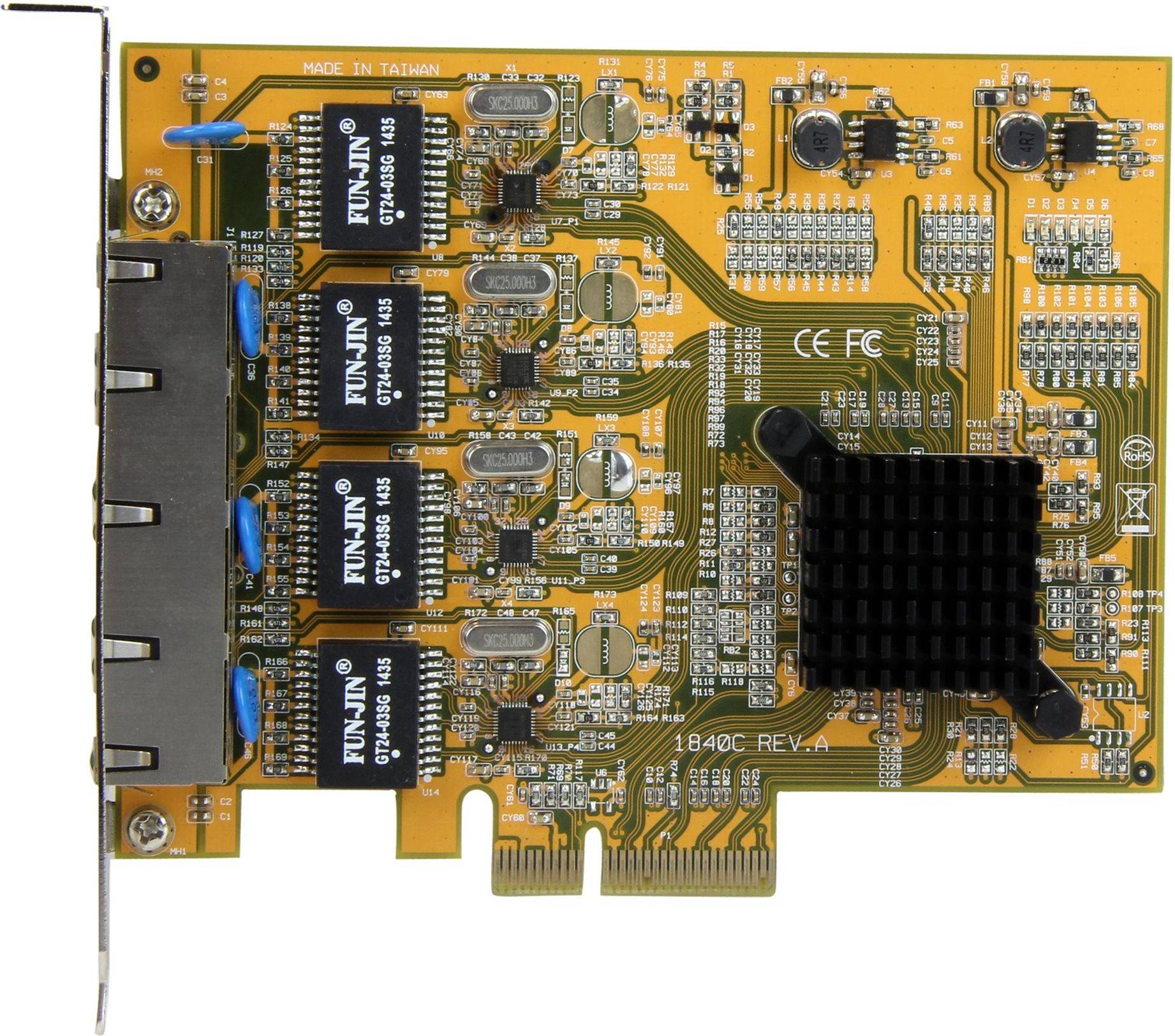


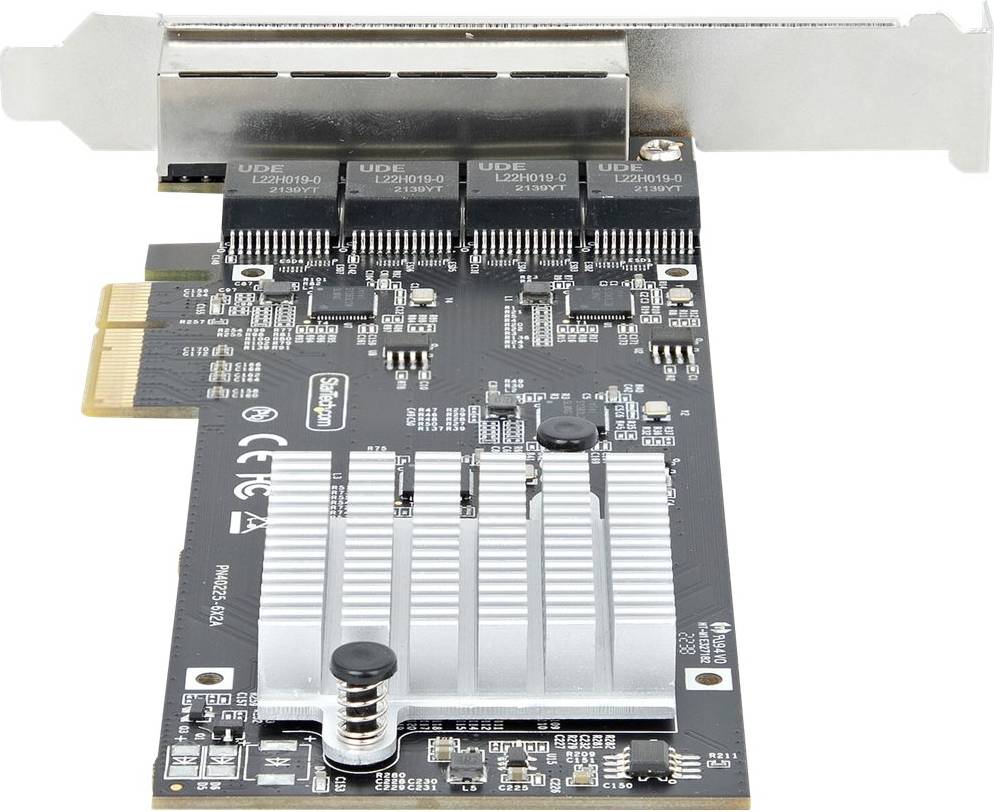


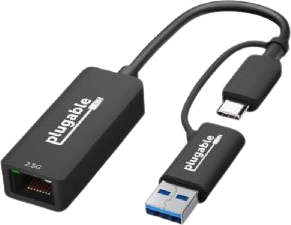


Network cards are hardware components that connect your computer to a network. They enable communication with other devices and the internet. When choosing one, consider compatibility with your system, the type of connection (wired or wireless), and the speed you need for tasks like streaming or gaming.
Bluetooth adapters are devices that enable wireless communication between your computer and Bluetooth-enabled devices. They plug into USB ports and allow connections to peripherals like keyboards, mice, and headphones. Ensure compatibility with your operating system and check the Bluetooth version for optimal performance.
Network cards are essential for connecting to networks. Look at factors like speed (measured in Mbps or Gbps), compatibility with your motherboard, and whether you need a wired or wireless connection. Consider the card's interface type, such as PCIe or USB, based on your computer's available slots.
Bluetooth adapters are necessary if your PC lacks built-in Bluetooth capability. They allow wireless connections to devices like speakers and controllers. Check if your PC already has Bluetooth; if not, choose an adapter that supports the latest Bluetooth standards for better connectivity and range.
Network cards can enhance internet speed by providing faster data transfer rates than older models. Choose one that supports high-speed standards like Gigabit Ethernet for wired connections or Wi-Fi 6 for wireless to maximize your internet plan's potential. Ensure it matches your router's capabilities for optimal performance.
Network Cards & Bluetooth Adapters: 3 things to consider before buying
Before diving into the purchase of Network Cards & Bluetooth Adapters, it's crucial to assess your specific needs. Consider what devices you want to connect—are you looking for a simple Bluetooth adapter for wireless headphones, or do you need a robust network card for high-speed internet on your gaming PC? Understanding what you need helps narrow down options and ensures that you choose a product that fits your requirements.
Compatibility is key when selecting Network Cards & Bluetooth Adapters. Ensure the adapter is compatible with your device's operating system and hardware. For example, if you're using a Windows laptop, check if the adapter supports Windows OS. Additionally, consider the interface type—whether it's USB, PCIe, or another connection type—to ensure it fits your device. This prevents any surprises when it comes time to install.
When purchasing Network Cards & Bluetooth Adapters, performance features can make a significant difference in your experience. Look for specifications like data transfer rates and range capabilities. A network card with higher Mbps will provide faster internet speeds, which is essential for activities like streaming or gaming. For Bluetooth adapters, consider the version (e.g., Bluetooth 5.0) as newer versions often offer better range and connectivity stability. Evaluating these features helps ensure you get the best performance from your purchase.
Anuncio
Network Cards & Bluetooth Adapters
- Wifi usb dongle
- Pcie wifi card
- Netgear wifi adapter
- Wifi dongle
- Usb wifi adapter
- Bluetooth adapter for pc
- Usb wifi bluetooth
- Usb bluetooth adapter for pc
- Usb ac adapter
- Usb bluetooth adapter
- Usb ethernet adapter
- Wireless usb adapter
- Wireless wifi adapter
- Usb wifi adapter for pc
- Wireless card for pc
- Wifi adapter for pc
- Pc wifi adapter
- Usb to lan adapter
- Tp link archer t4u ac1300
- Pc bluetooth adapter
- Network Cards
- Bluetooth Adapters
- Wireless Network Cards
- PCIe x4 Network Cards & Bluetooth Adapters
- PCIe Network Cards & Bluetooth Adapters
- USB-A Network Cards & Bluetooth Adapters
- Intel Network Cards & Bluetooth Adapters
- Wi-Fi 6 (802.11ax) Network Cards & Bluetooth Adapters
- TP-Link Wireless Network Cards
- HP Network Cards & Bluetooth Adapters
- 2.4 GHz Wireless Network Cards
- Intel Wireless Network Cards
- Lenovo Network Cards & Bluetooth Adapters
- Logitech Bluetooth Adapters
- Wi-Fi 5 (802.11ac) Network Cards & Bluetooth Adapters
- USB-A Wireless Network Cards
- USB-A Bluetooth Adapters
- PC Card Network Cards & Bluetooth Adapters
- Alfa Wireless Network Cards
- MSI Wireless Network Cards
Consulta los términos de pago. Es posible que se requiera un pago inicial más alto para algunos consumidores. Préstamos para residentes de CA otorgados o gestionados conforme a una licencia de la Ley de Financiamiento de California. NMLS # 1353190.
Una compra de $1,000 podría costar $173.53 al mes durante 6 meses con una TPA del 13.99 %. La tasa varía de 0.00 % a 35.99 % de TPA según la solvencia crediticia, la duración del plazo y está sujeta a aprobación crediticia, resultando, por ejemplo, en 3 pagos mensuales iguales de $333.33 con una TPA del 0.00 % hasta $353.52 con una TPA del 35.99 % por cada $1,000 prestados. Se puede requerir un monto mínimo de compra y un pago inicial. La estimación del pago mensual excluye posibles costos de impuestos y envío. Financiamiento mensual a través de Klarna emitida por WebBank.