Desktop Computers
Prueba pagos flexibles conAprende cómo







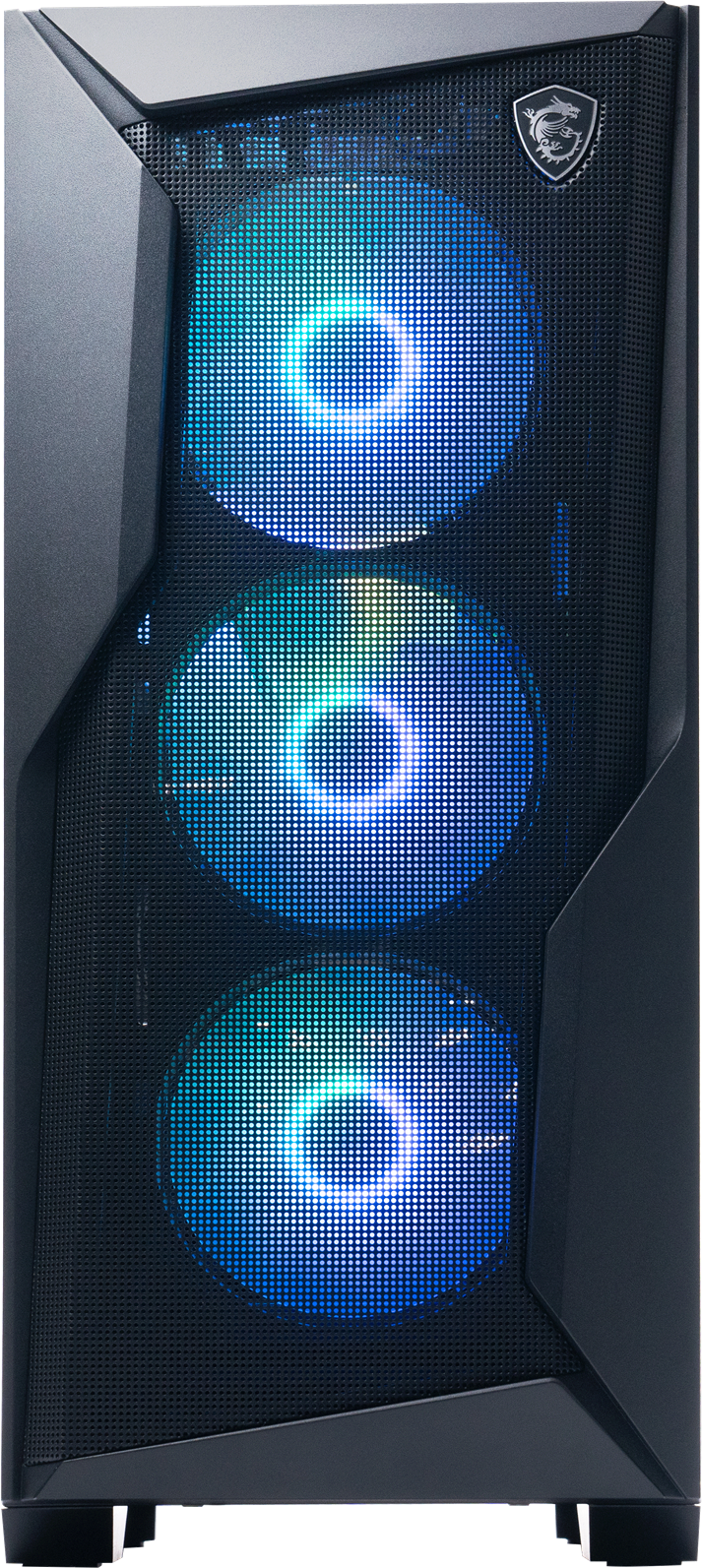

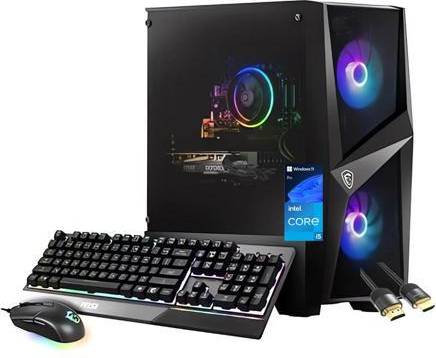


Desktop Computers: 3 things to consider before buying
Before purchasing a desktop computer, it's crucial to understand what you need it for. Are you a gamer, a professional designer, or simply looking for a family computer? Each use case requires different specifications. For gaming, focus on a powerful graphics card and high RAM. Designers might prioritize a high-resolution display and robust processing power. For general use, opt for a balanced setup with good performance at a reasonable price.
When buying desktop computers, consider how easy it is to upgrade components in the future. Look for models with accessible cases and standard parts like RAM slots and additional drive bays. This flexibility ensures your computer can adapt to new software demands without needing to buy an entirely new system.
Check the connectivity options available on desktop computers to ensure they meet your needs. Ports like USB-C, HDMI, and Ethernet are essential for connecting peripherals and other devices. If you plan to connect multiple monitors or external storage devices, make sure the desktop has enough ports to accommodate them.
Desktop computers are personal computers designed for regular use at a single location. They typically consist of a monitor, keyboard, mouse, and a central processing unit (CPU). Desktop computers offer more power and storage compared to laptops or tablets, making them ideal for gaming, graphic design, and office work. When choosing a desktop, consider the processor speed, RAM size, and storage capacity to match your needs.
Desktop computers are versatile machines that can be tailored to your specific needs. Start by identifying your primary use—gaming, professional work, or general use. Look for a powerful processor like Intel i5 or i7, at least 8GB of RAM, and sufficient storage space. Graphics cards are crucial for gaming and design tasks. Consider future upgrades; some desktops allow easy component replacements.
Desktop computers come in two main types: all-in-one and traditional setups. All-in-one desktops integrate the computer components into the monitor, saving space. Traditional desktops have separate monitors and towers, offering more customization options. All-in-ones are ideal for small spaces but may lack upgrade flexibility compared to traditional models.
Desktop computers are generally better than laptops for gaming due to their superior processing power and graphics capabilities. Desktops can house larger GPUs and more efficient cooling systems essential for high-performance gaming. If you're serious about gaming, prioritize desktops with high-end graphics cards like NVIDIA RTX series and ample RAM.
Desktop computers require routine maintenance to ensure optimal performance. Regularly clean dust from vents and fans to prevent overheating. Update software and drivers frequently to keep the system secure and efficient. Check hardware connections periodically. Investing time in maintenance prolongs the lifespan of your desktop.
Anuncio
Desktop Computers
- Gaming pc desktops
- Mac mini m4
- Prebuilt gaming pc
- Apple mac mini
- Mac studio apple
- Mac mini m4 24gb
- 5060 ti
- Gaming pc rtx 4060
- 32gb ram ddr5
- Geforce rtx 5070
- Ryzen 5 7600
- Amd ryzen 7 7800x3d
- Rtx 5060 ti 16gb
- Ryzen 7 5700x
- Amd ryzen 5 5600
- Pc rtx 5070
- Gaming computers
- Gaming pc price
- Intel core i7 13700
- Mini computer
- CyberPowerPC Desktop Computers
- GeForce RTX 3060 Desktop Computers
- Skytech Gaming Desktop Computers
- STGAubron Desktop Computers
- IBuyPower Desktop Computers
- Apple Desktop Computers
- HP Desktop Computers
- Intel Core i9 Desktop Computers
- Optical Drive Desktop Computers
- GeForce RTX 5070 Ti Desktop Computers
- 32 GB Desktop Computers
- HP 8 GB Desktop Computers
- All-in-one Desktop Computers
- GeForce RTX 5080 Desktop Computers
- AMD Ryzen 5 Desktop Computers
- Acer Desktop Computers
- Tower Desktop Computers
- 16 GB Desktop Computers
- Dell Desktop Computers
- ASUS Desktop Computers
Una compra de $1,000 podría costar $173.53 al mes durante 6 meses con una TPA del 13.99 %. La tasa varía de 0.00 % a 35.99 % de TPA según la solvencia crediticia, la duración del plazo y está sujeta a aprobación crediticia, resultando, por ejemplo, en 3 pagos mensuales iguales de $333.33 con una TPA del 0.00 % hasta $353.52 con una TPA del 35.99 % por cada $1,000 prestados. Se puede requerir un monto mínimo de compra y un pago inicial. La estimación del pago mensual excluye posibles costos de impuestos y envío. Financiamiento mensual a través de Klarna emitida por WebBank.