


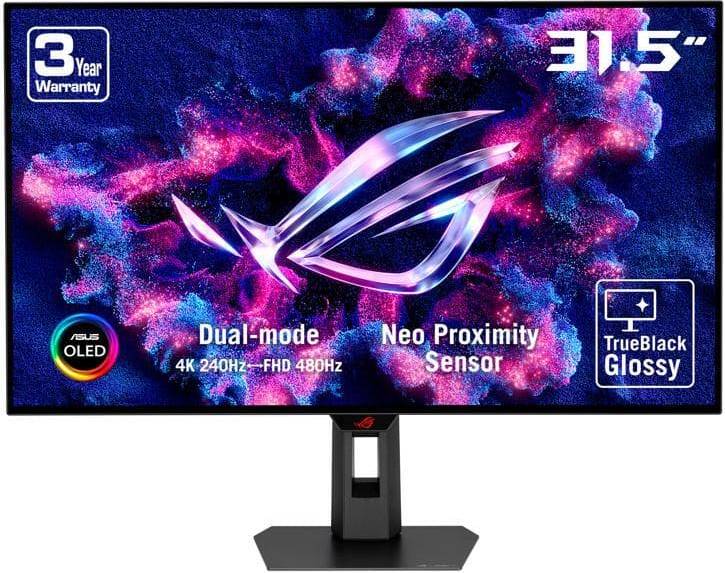


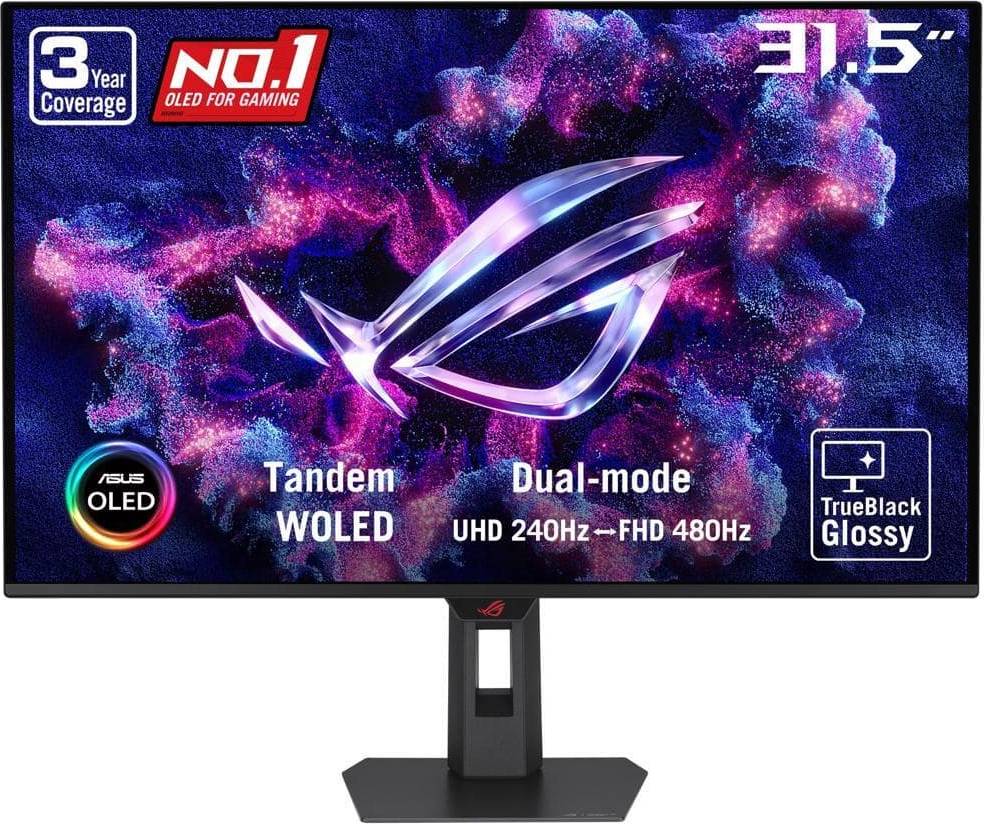


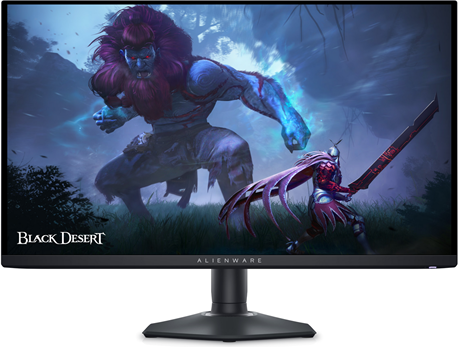


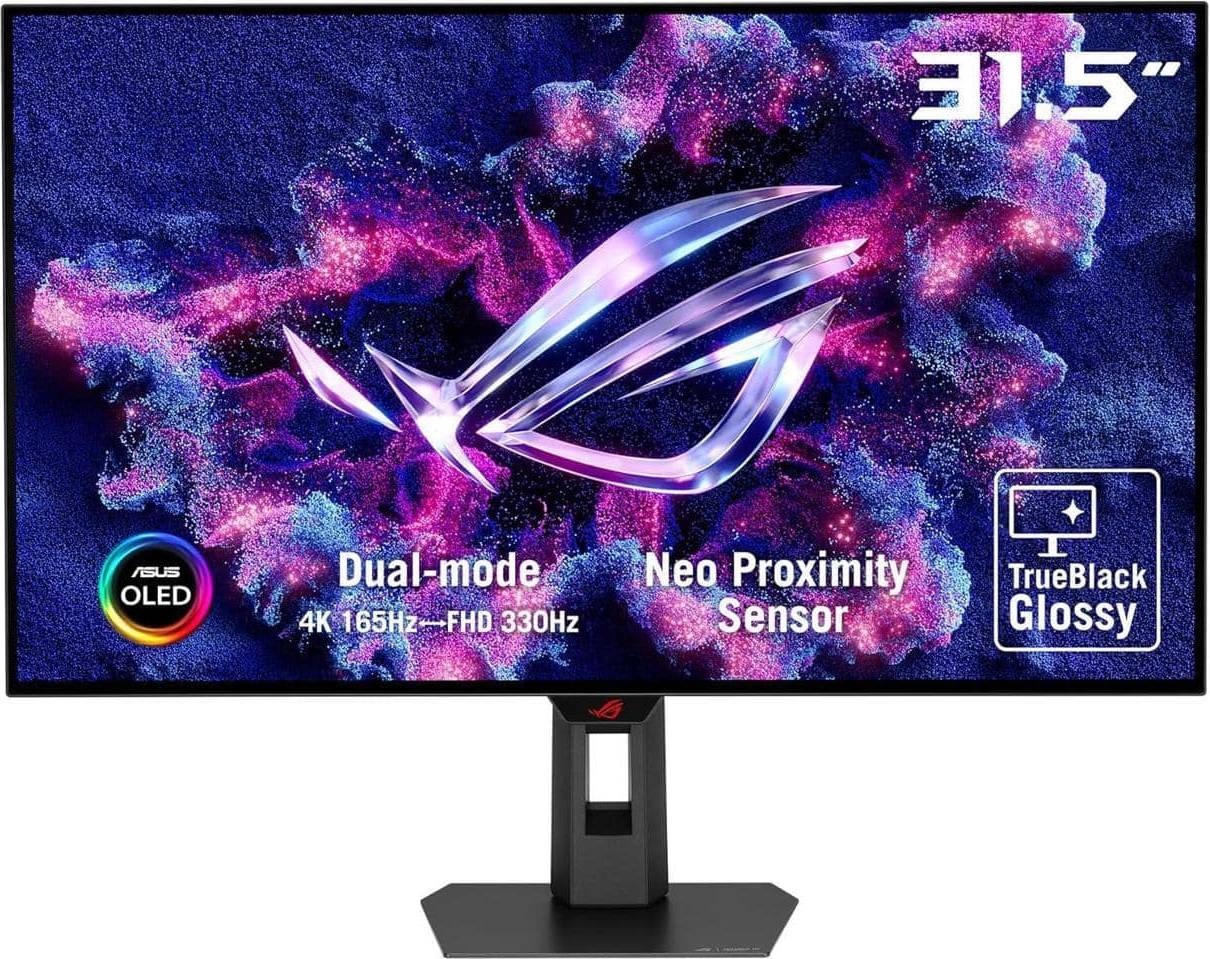


Monitors: 3 things to consider before buying
Before making a purchase, think about how you plan to use the monitor. Are you a gamer seeking immersive visuals? Look for monitors with high refresh rates and low response times. For professional work like graphic design, prioritize color accuracy and resolution. If you're mainly browsing or streaming, a standard Full HD monitor might suffice. Understanding your primary use case will help you narrow down the best options tailored to your needs.
Monitor size and resolution go hand in hand. Larger screens typically benefit from higher resolutions to maintain sharpness. For instance, a 27″ monitor with 4K resolution offers stunning clarity for detailed work or gaming. However, if desk space is limited, a 24″ Full HD option might be more practical. Evaluate your workspace and viewing distance to choose the right size and resolution combination for optimal comfort and visual experience.
Ensure the monitor has the necessary ports to connect with your devices. Common ports include HDMI, DisplayPort, USB-C, and VGA. If you plan to use multiple devices or peripherals like speakers or webcams, having extra USB ports can be beneficial. Future-proof your setup by selecting monitors with versatile connectivity options that accommodate both current and potential future needs.
Monitors are devices that display visual output from a computer. Key features include screen size, resolution, refresh rate, and panel type. Screen size affects how much you can see at once. Resolution impacts clarity; higher is better for detail. Refresh rate is crucial for gaming, with 60Hz being standard and 144Hz or higher preferred for smoother motion. Panel type (IPS, TN, VA) affects color accuracy and viewing angles.
Monitors are available in various sizes measured diagonally in inches. Choose based on your desk space and usage needs. For general use, 24″ to 27″ is common. Larger sizes like 32″ offer more screen real estate but require more space.
Monitors are equipped with different panel types: IPS, TN, and VA. IPS panels provide excellent color accuracy and wide viewing angles, ideal for graphic design. TN panels offer faster response times but less accurate colors, suitable for gaming. VA panels have good contrast ratios but can suffer from slower response times.
Monitors are rated by their refresh rate in hertz (Hz), indicating how many times per second the screen refreshes its image. A higher refresh rate results in smoother motion, crucial for gaming and fast-paced video content. Standard rates are 60Hz; gamers often prefer 144Hz or more for fluid gameplay.
Monitors are characterized by their response time, which measures how quickly a pixel changes from one color to another, usually in milliseconds (ms). Lower response times reduce motion blur and ghosting in fast-moving images, enhancing gaming experiences.
Anuncio
Monitors
- 49 inch monitor
- Oled 4k gaming monitor
- 240hz gaming monitors
- Samsung odyssey g9
- Oled gaming monitor
- 4k oled monitor 240hz
- Apple studio display
- 34 inch ultrawide monitor
- 49 inch ultrawide monitor
- 4k monitor 27
- 360 hz monitor
- Samsung odyssey g7
- Ultrawide curved monitor
- 4k monitor
- Aoc gaming monitor
- Portable monitor
- Lg ultragear 45
- Samsung odyssey g5
- Gaming monitor 144hz 1ms
- Gaming monitors 180hz
- Gaming Monitors
- Monitors on sale
- AOC Monitors
- 5120x2160 (UltraWide) Monitors
- Picture-By-Picture Monitors
- LG Monitors
- 5120x1440 (UltraWide) Monitors
- MSI Monitors
- Koorui Monitors
- 240 Hz Monitors
- Dell Monitors
- Samsung Monitors
- OLED Monitors
- 3440x1440 (UltraWide) Monitors
- 5120x2880 (5K) Monitors
- 3840x1600 (UltraWide) Monitors
- 1920x1080 (Full HD) Monitors
- 3840x2160 (4K) Monitors
- Dell 2560x1440 Monitors
- Sceptre Monitors
Consulta los términos de pago. Es posible que se requiera un pago inicial más alto para algunos consumidores. Préstamos para residentes de CA otorgados o gestionados conforme a una licencia de la Ley de Financiamiento de California. NMLS # 1353190.
Una compra de $1,000 podría costar $173.53 al mes durante 6 meses con una TPA del 13.99 %. La tasa varía de 0.00 % a 35.99 % de TPA según la solvencia crediticia, la duración del plazo y está sujeta a aprobación crediticia, resultando, por ejemplo, en 3 pagos mensuales iguales de $333.33 con una TPA del 0.00 % hasta $353.52 con una TPA del 35.99 % por cada $1,000 prestados. Se puede requerir un monto mínimo de compra y un pago inicial. La estimación del pago mensual excluye posibles costos de impuestos y envío. Financiamiento mensual a través de Klarna emitida por WebBank.