


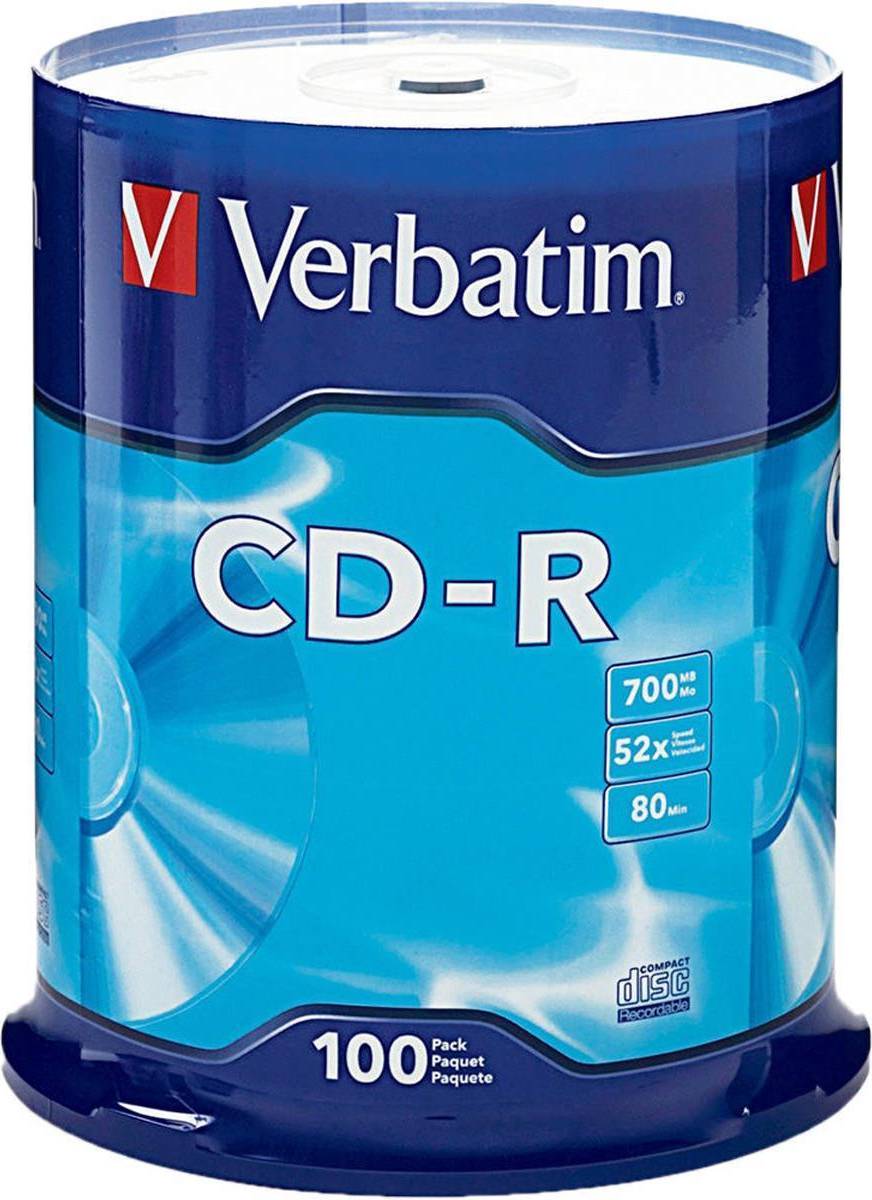


Optical Storage: 3 things to consider before buying
Optical storage comes in various formats, each serving different needs. CDs are ideal for basic audio storage, while DVDs offer more capacity, suitable for high-quality video. If you're looking for even higher storage capacity, consider Blu-ray discs, which can store full HD movies and large data files. Assess your needs to choose the right type of optical storage that aligns with your usage.
Ensure that the optical storage you select is compatible with your existing devices. Many modern laptops and desktops no longer come with built-in optical drives, so you might need an external drive. Verify if your device supports the format you're interested in, such as DVD or Blu-ray, and consider purchasing a compatible external drive if needed.
Optical storage is known for its durability and longevity compared to other forms of digital storage. However, not all discs are created equal. Look for archival-quality discs if you need long-term data preservation. These discs are designed to resist environmental factors like humidity and temperature changes, ensuring your data remains safe over time.
Optical Storage is a type of data storage that uses laser technology to read and write data. It includes CDs, DVDs, and Blu-ray discs. These are ideal for storing large amounts of data like music, videos, and software. Consider the capacity and compatibility with your devices when choosing.
Optical Storage works by using lasers to read and write data on a disc. The laser creates pits and lands on the surface, which represent binary data. This method is reliable for long-term storage. Ensure your device has the necessary drive to read the specific type of disc you choose.
Optical Storage is durable and can store large amounts of data safely. It's less susceptible to environmental damage compared to other storage types. For archival purposes, Optical Storage offers longevity, making it perfect for backing up important files or creating multimedia collections.
Optical Storage requires consideration of disc type (CD, DVD, Blu-ray) and capacity. Check compatibility with your devices and whether you need writable or rewritable options. Also, consider the speed of reading/writing if time efficiency is important for your usage.
Optical Storage can be used with laptops that have an optical drive. Many modern laptops lack built-in drives; however, external USB optical drives are available as alternatives. Ensure the drive supports the specific disc format you intend to use for optimal performance.
Anuncio
Optical Storage
- Cd jewel cases
- Cd r
- Cd r discs
- Dvd r
- Dvd+r
- Verbatim Optical Storage
- Sony Optical Storage
- -R Optical Storage
- Maxell Optical Storage
- Memorex Optical Storage
- Ritek Optical Storage
- 8.5 GB - DVD Optical Storage
- PlexDisc Optical Storage
- Maxtek Optical Storage
- Staples Optical Storage
- Primera Optical Storage
- HP Optical Storage
- Mediaxpo Optical Storage
- Panasonic Optical Storage
- SKILCRAFT Optical Storage
- Smartbuy Optical Storage
- Iomega Optical Storage
- MDS Optical Storage
- Hilti Optical Storage
- C-Line Optical Storage
- Innovera Optical Storage
- Dell Optical Storage
- MediaRange Optical Storage
- Timco Optical Storage
- OWC Optical Storage
- Quantum Optical Storage
- Q-CONNECT Optical Storage
- Intenso Optical Storage
- Philips Optical Storage
- Ultra Optical Storage
- SANWA Optical Storage
- Compucessory Optical Storage
- HI-VAL Optical Storage
- Imation Optical Storage
- CompUSA Optical Storage
Consulta los términos de pago. Es posible que se requiera un pago inicial más alto para algunos consumidores. Préstamos para residentes de CA otorgados o gestionados conforme a una licencia de la Ley de Financiamiento de California. NMLS # 1353190.
Una compra de $1,000 podría costar $173.53 al mes durante 6 meses con una TPA del 13.99 %. La tasa varía de 0.00 % a 35.99 % de TPA según la solvencia crediticia, la duración del plazo y está sujeta a aprobación crediticia, resultando, por ejemplo, en 3 pagos mensuales iguales de $333.33 con una TPA del 0.00 % hasta $353.52 con una TPA del 35.99 % por cada $1,000 prestados. Se puede requerir un monto mínimo de compra y un pago inicial. La estimación del pago mensual excluye posibles costos de impuestos y envío. Financiamiento mensual a través de Klarna emitida por WebBank.