

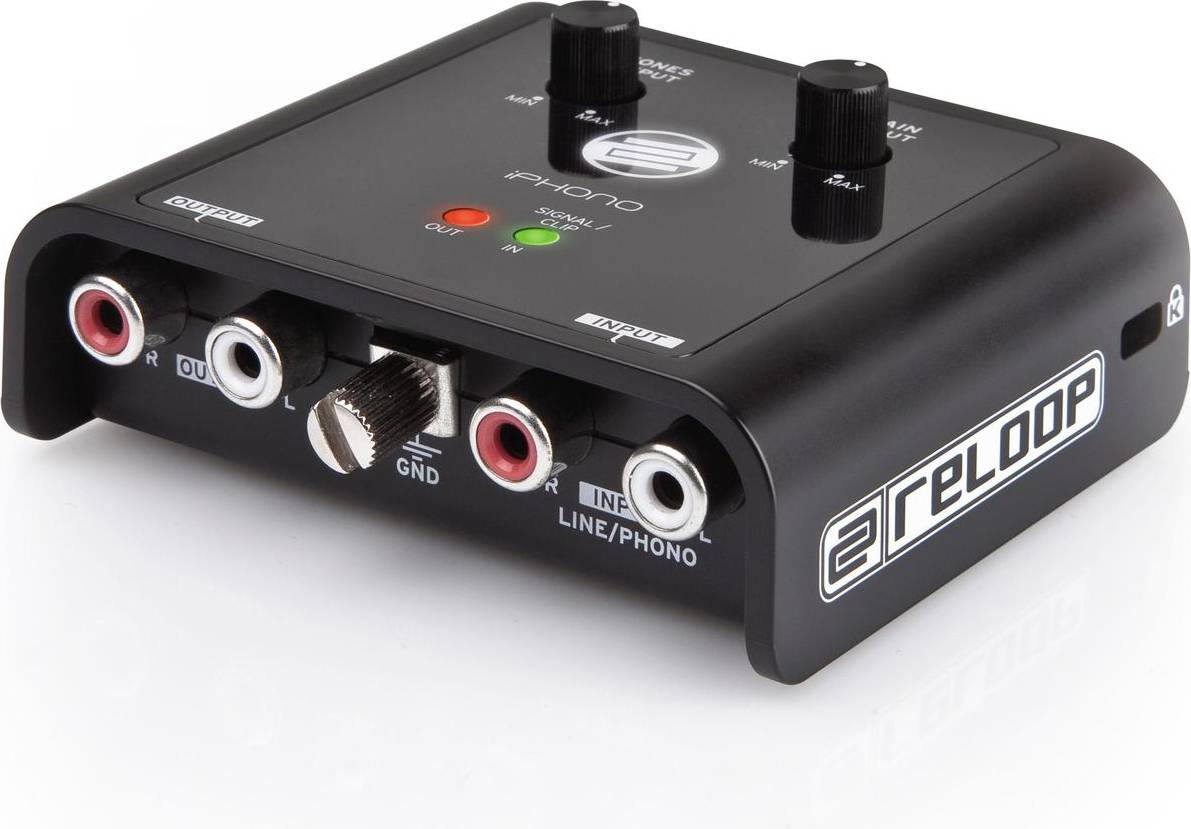


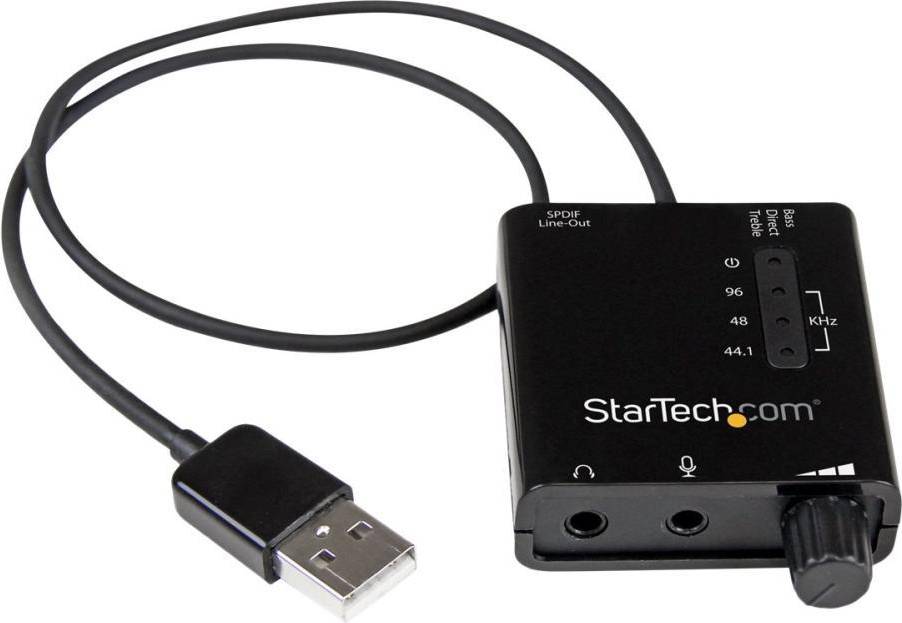


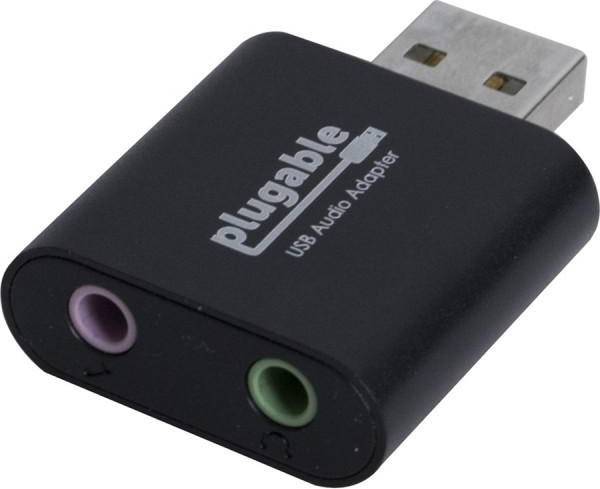


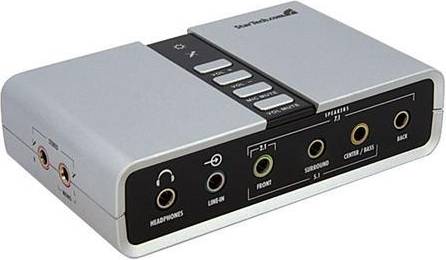







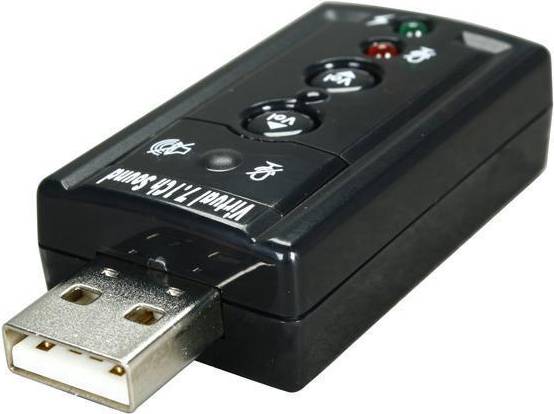
Sound cards are hardware components that enhance audio quality in computers. They convert digital signals to analog for speakers or headphones. If you need better audio for gaming, music, or video editing, consider a dedicated sound card. Look for features like surround sound support and high sample rates.
Sound cards are optional if your computer has built-in audio. However, they provide superior sound quality and additional features. If you're an audiophile or gamer seeking immersive experiences, investing in a sound card with advanced audio processing capabilities could be beneficial.
Sound cards vary based on your needs. Consider factors such as audio quality, connectivity options, and budget. For gamers, look for cards with 3D audio support. Musicians might prefer cards with low latency and multiple input/output options.
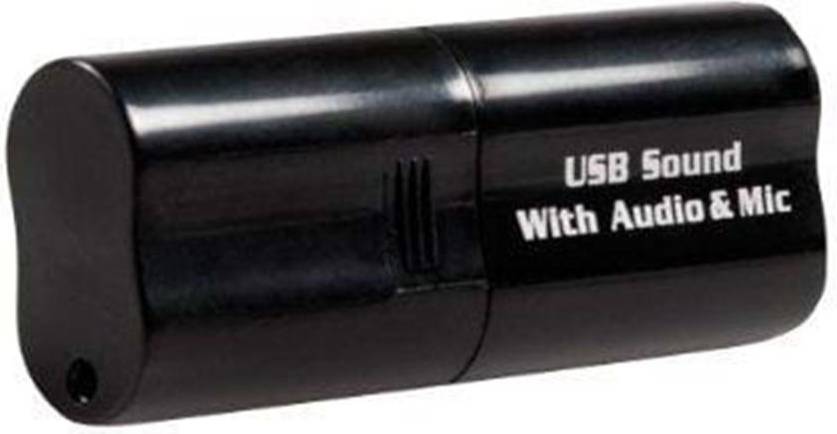
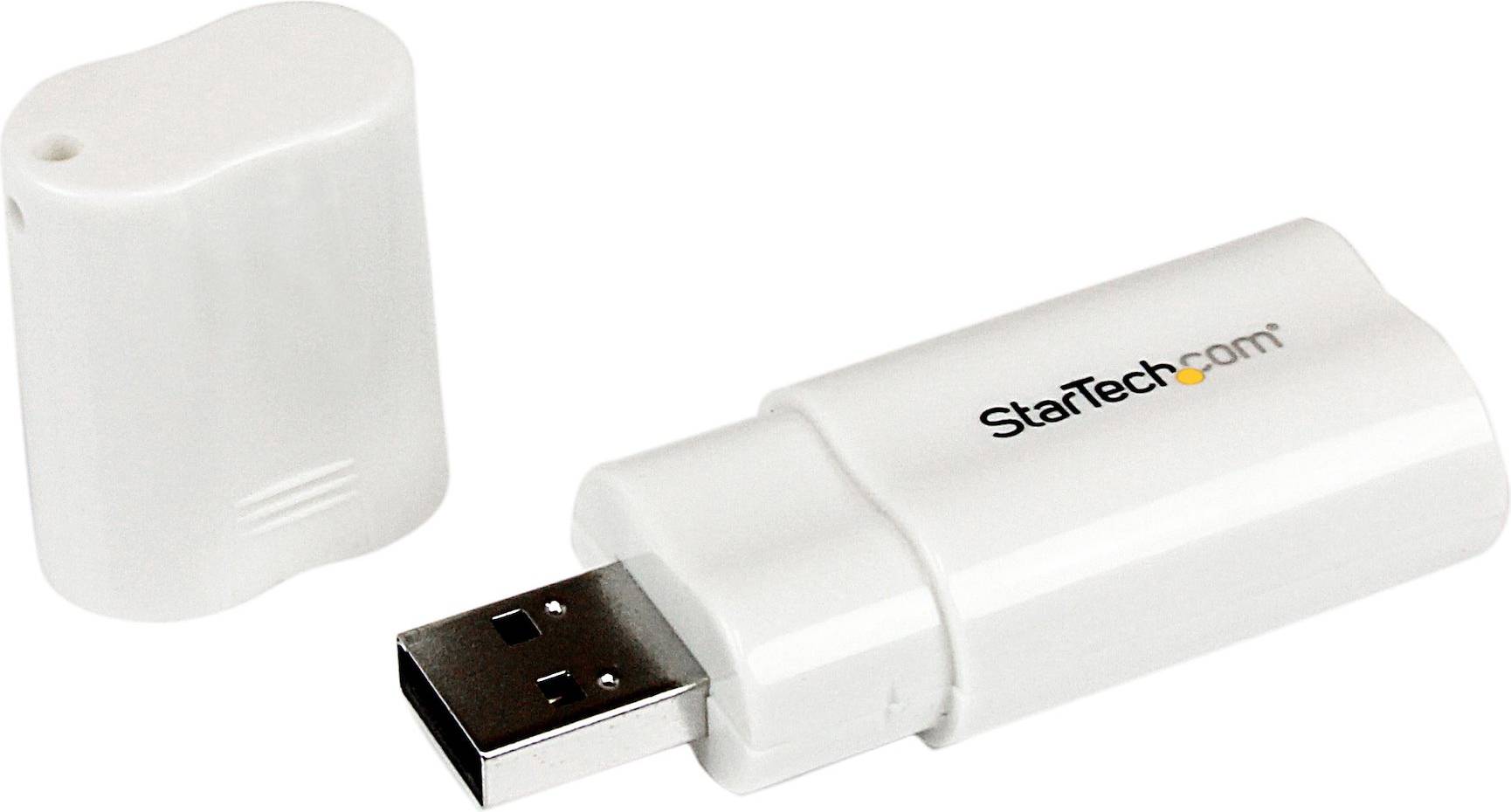
Sound cards can be internal or external. Internal ones fit inside your computer's case and connect via PCIe slots. External cards connect through USB ports and are portable. Choose an internal card for permanent setups and an external one for flexibility across devices.
Sound cards can enhance gaming by providing clearer audio cues and immersive effects. They offload audio processing from the CPU, potentially improving overall system performance slightly. For competitive gaming, choose a card with features like virtual surround sound.
Sound cards generally work with most systems but check compatibility with your operating system and motherboard's slots before buying. Ensure drivers are available for your OS version to avoid installation issues. Reading user reviews can also highlight potential compatibility problems.
Sound Cards: 3 things to consider before buying
When choosing a sound card, it's crucial to think about how you'll use it. Are you a gamer looking for immersive audio experiences, or a music producer needing high-quality sound recording? Gamers should look for sound cards with features like 3D audio support and low-latency performance. Music producers might prioritize high-fidelity audio and multiple input/output options. By understanding your primary use, you can focus on sound cards that offer the most relevant features.
Ensure the sound card you choose is compatible with your computer's hardware and operating system. Check if your motherboard has available slots, such as PCIe or PCI, that match the sound card's requirements. Additionally, verify that the sound card supports your operating system version. Compatibility checks prevent installation issues and ensure smooth operation once installed.
Sound quality is a key factor when selecting a sound card. Look for specifications like signal-to-noise ratio (SNR) and total harmonic distortion (THD) to gauge audio clarity. Higher SNR values indicate clearer sound with less background noise. Also, consider additional features like virtual surround sound, equalization options, and software enhancements that can elevate your listening experience. By focusing on these aspects, you can find a sound card that meets your quality expectations.
Anuncio
Sound Cards
- Sound card for pc
- Sound interface
- Usb to ac adapter
- Sound c
- Creative Sound Cards
- Sound Cards
- Sound Cards on sale
- Antelope Audio Sound Cards
- 1/8" Headphone Jack Sound Cards
- 1/4" Jack Sound Cards
- MIDI Sound Cards
- 192 kHz Sound Cards
- MIDI Sound Cards
- Optical S/PDIF Sound Cards
- Sound Cards
- USB-A Sound Cards
- USB-C Sound Cards
- PCIe x1 Sound Cards
- 24-Bit Sound Cards
- Focusrite Sound Cards
- Optical S/PDIF Sound Cards
- USB-C Sound Cards
- Tascam Sound Cards
- RCA (Line) Sound Cards
- 1/8" Headphone Jack Sound Cards
- IConnectivity Sound Cards
- 96 kHz Sound Cards
- XLR Sound Cards
- RME Sound Cards
- Roland Sound Cards
- 48 kHz Sound Cards
- ASUS Sound Cards
- 384 kHz Sound Cards
- StarTech Sound Cards
- XLR Sound Cards
- Native Instruments Sound Cards
- Mini-USB Sound Cards
- Coaxial S/PDIF Sound Cards
- USB-A Sound Cards
- Creative Technology Sound Cards
Una compra de $1,000 podría costar $173.53 al mes durante 6 meses con una TPA del 13.99 %. La Tasa de Porcentaje Anual (TPA) varía de 0.00 % a 35.99 % de TPA según la solvencia crediticia, la duración del plazo y está sujeta a aprobación crediticia, resultando, por ejemplo, en 3 pagos mensuales iguales de $333.33 con una TPA del 0.00 % hasta $353.52 con una TPA del 35.99 % por cada $1,000 prestados. Se puede requerir un monto mínimo de compra y un pago inicial. La estimación del pago mensual excluye posibles costos de impuestos y envío. Financiamiento mensual a través de Klarna, emitido por WebBank.
Consulta los términos de pago. Es posible que se requiera un pago inicial más alto para algunos consumidores. Préstamos para residentes de CA otorgados o gestionados conforme a una licencia de la Ley de Financiamiento de California. NMLS # 1353190.