

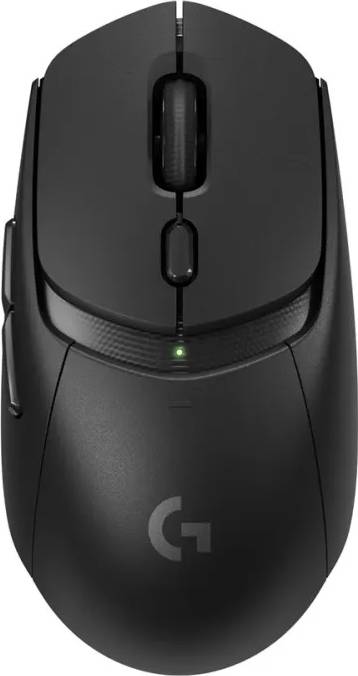



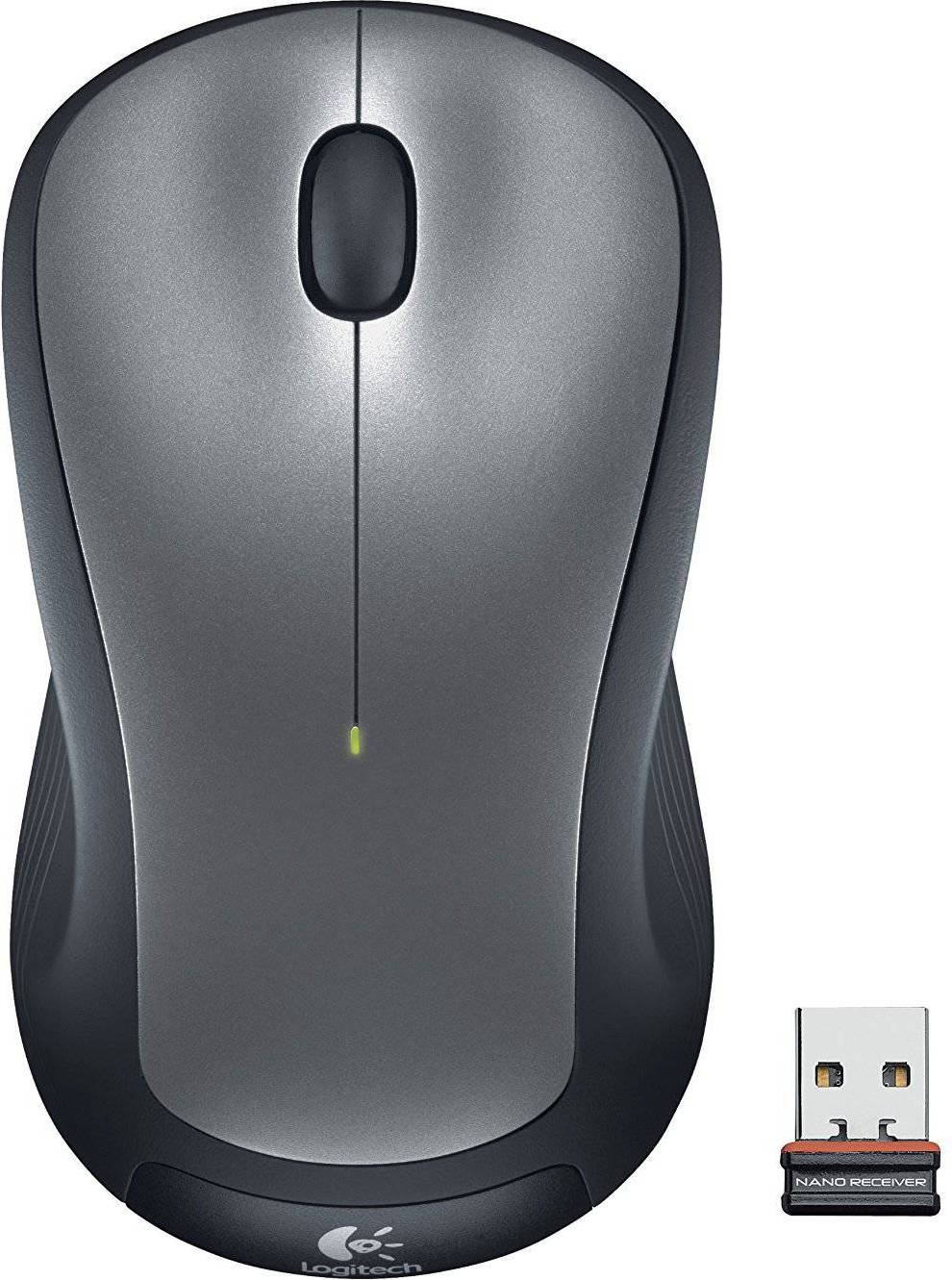


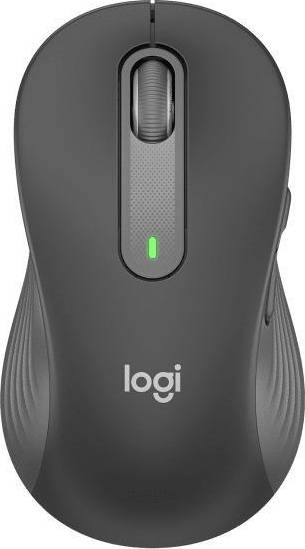


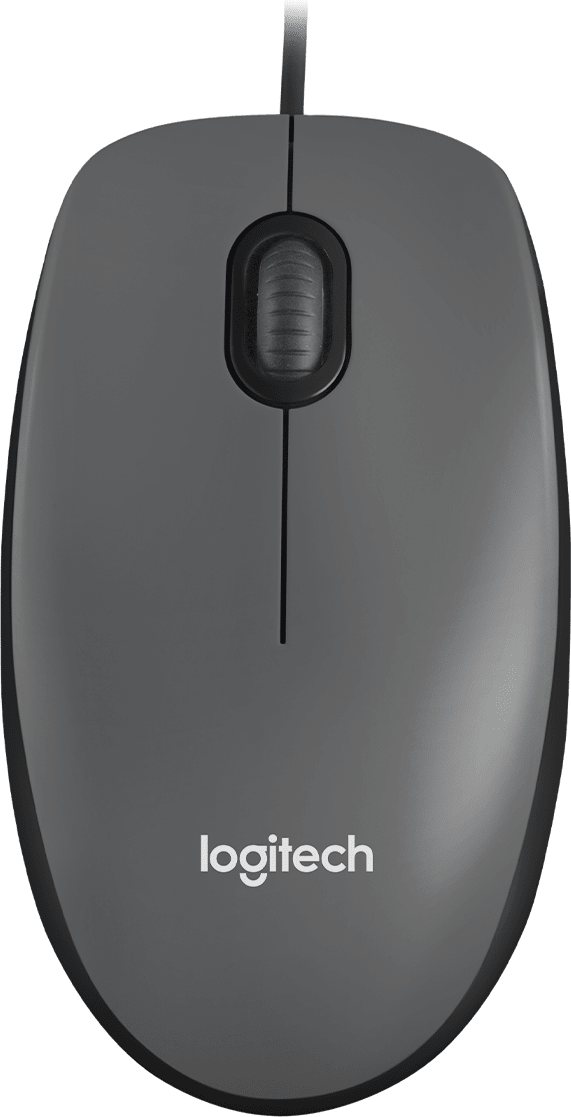







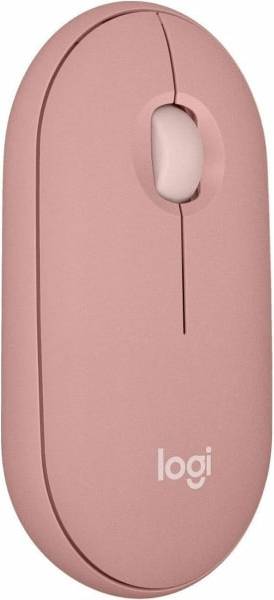

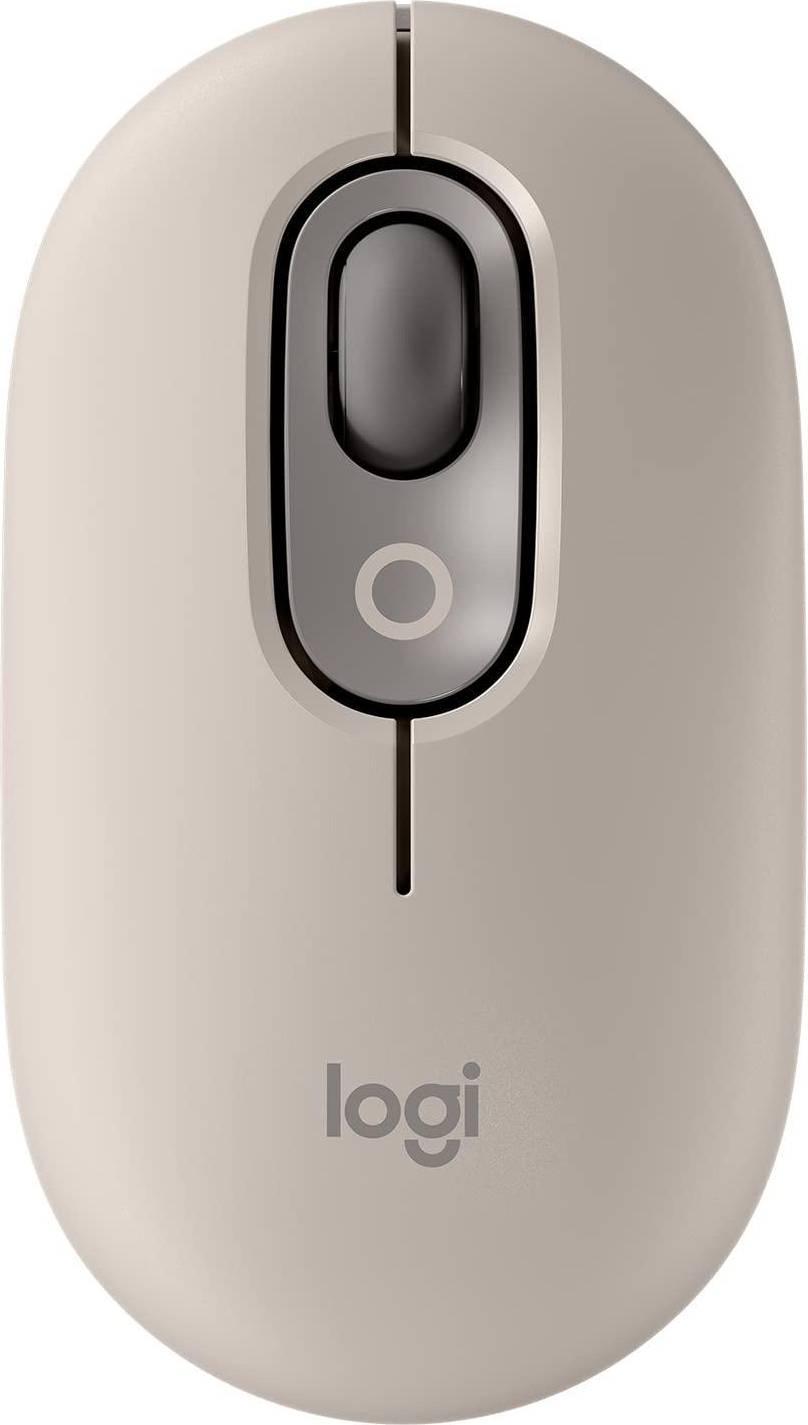


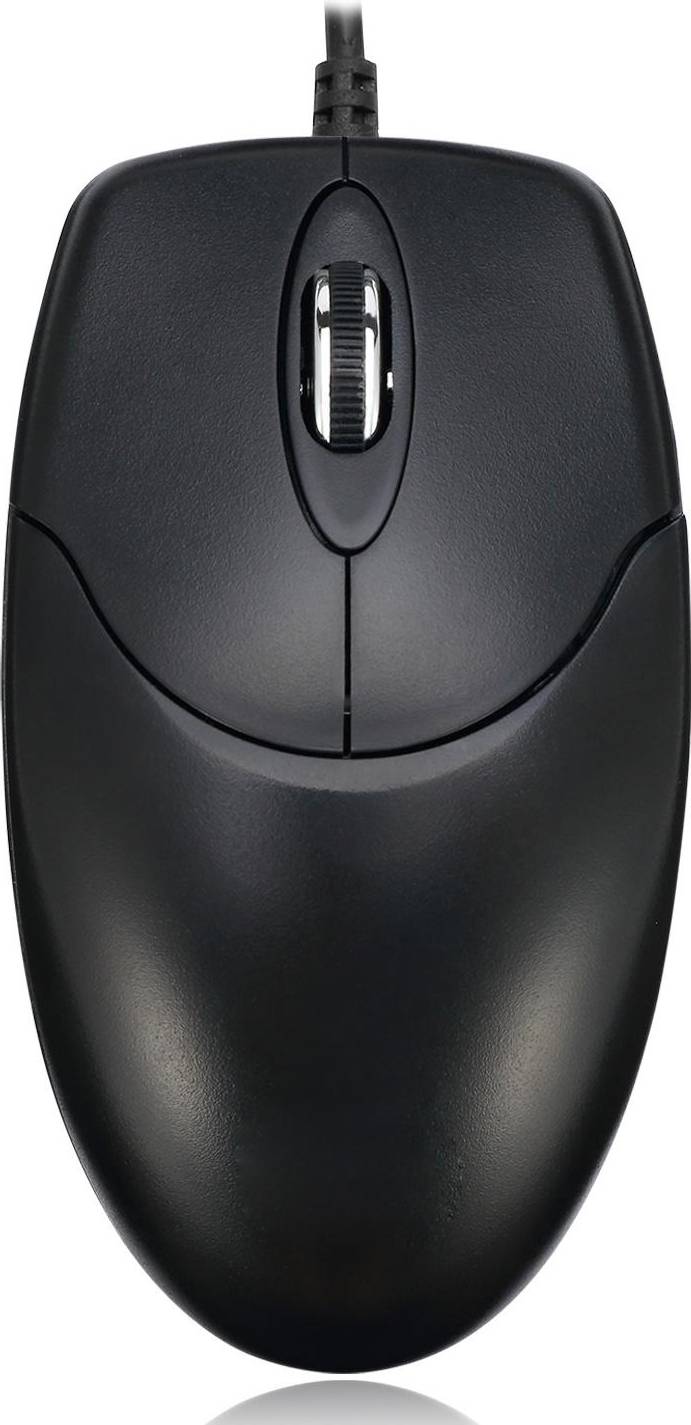


Standard Mice: 3 things to consider before buying
Your grip style plays a significant role in finding the right standard mouse for you. There are three main grip styles: palm, claw, and fingertip. Palm grip users typically prefer larger mice that offer full hand support. Claw grip users might lean towards a mouse with a higher arch for better control. Fingertip grip users often look for smaller, lightweight mice that allow quick movements. Understanding your grip style helps you choose a standard mouse that feels comfortable and enhances your productivity.
When selecting a standard mouse, consider those with adjustable DPI (dots per inch) settings. DPI indicates how sensitive the mouse is to movement; higher DPI means the cursor moves further on the screen per inch of movement. If you perform tasks requiring precision, like graphic design or gaming, adjustable DPI can be beneficial. It allows you to switch between high sensitivity for quick navigation and low sensitivity for detailed work.
Ensuring compatibility with your computer's operating system is crucial when purchasing a standard mouse. Most modern mice work with Windows and macOS, but it's always good to double-check. Also, consider connectivity options: wired mice provide a stable connection without needing batteries, while wireless mice offer more freedom of movement but require regular battery changes or recharging. Decide based on your workspace setup and personal preference.
FAQ
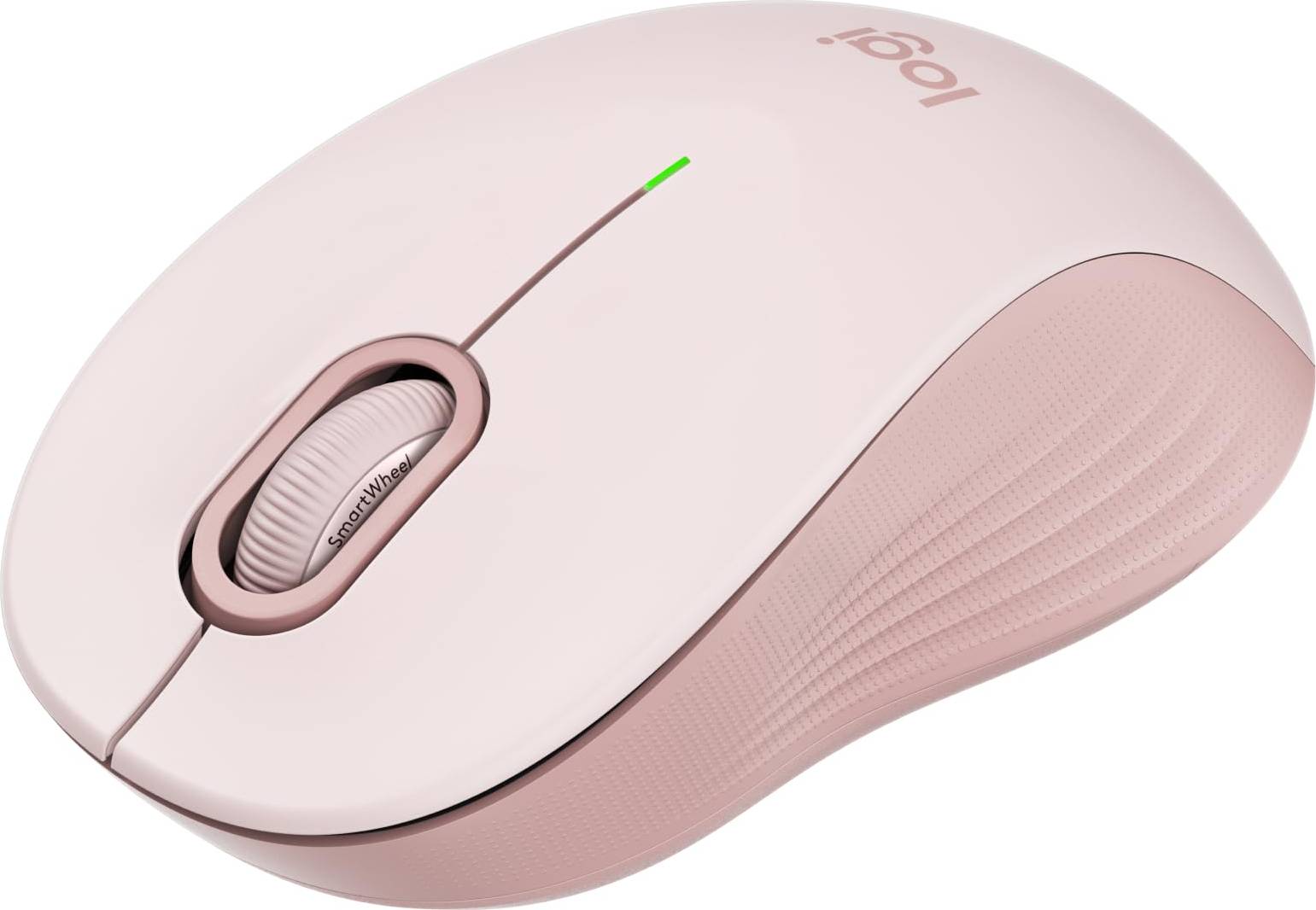
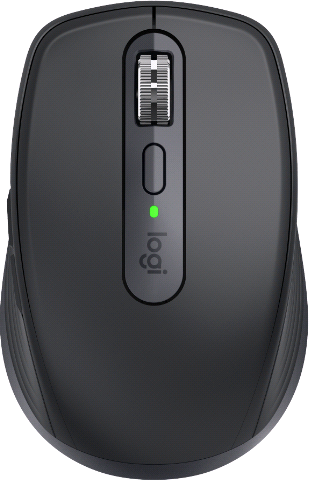
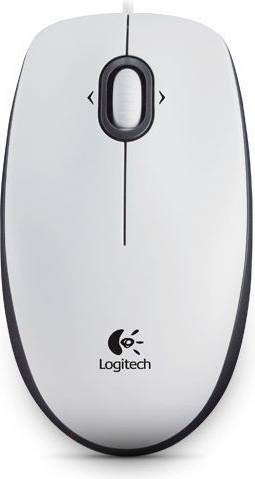
Standard Mice are basic computer mice designed for everyday use. They typically feature two buttons and a scroll wheel. These mice suit general tasks like browsing, document editing, and casual gaming. Look for ergonomic designs if you plan to use them for extended periods.
Standard Mice connect via USB or wirelessly through Bluetooth. USB mice offer plug-and-play convenience, while wireless options provide more flexibility and less clutter. Consider your workspace setup when choosing between wired and wireless.
Standard Mice should have comfortable ergonomics, responsive buttons, and a reliable scroll wheel. Some models offer additional features like adjustable DPI settings for sensitivity control. Evaluate your usage needs to decide which features matter most to you.
Standard Mice are generally compatible with most operating systems, including Windows, macOS, and Linux. Always check the product specifications to ensure compatibility with your system before purchasing.
You might choose a Standard Mouse for its simplicity and cost-effectiveness. These mice meet basic computing needs without unnecessary features found in specialized models. If you need a straightforward solution for everyday tasks, a Standard Mouse is an excellent choice.
Advertisement
Popular searches in Standard Mice
- Logitech wired mouse
- Laptop for gaming
- Bluetooth mouse without usb
- Glorious model o
- Logitech g pro x superlight
- Logitech mx master 4
- Logitech g pro wireless
- G pro x superlight 2
- Mx master 3s
- Basilisk v3 pro
- Logitech gaming mouse
- Mmo mouse
- Logitech wireless mouse
- Hp wireless mouse
- Apple mouse price
- Usb c mouse
- Razer naga
- Logi bolt usb receiver
- Logitech mx master
- Magic mouse
A $1,000 purchase might cost $173.53 per month over 6 months at 13.99% APR. Annual Percentage Rate (APR) ranges from 0.00%-35.99% APR based on creditworthiness, term length, and subject to credit approval, resulting in, for example, 3 equal monthly payments of $333.33 at 0.00% APR to $353.52 at 35.99% APR per $1,000 borrowed. Minimum purchase amount and down payment may be required. Estimation of monthly payment excludes potential tax and shipping costs. Monthly financing through Klarna issued by WebBank.
See payment terms. A higher initial payment may be required for some consumers. CA resident loans made or arranged pursuant to a California Financing Law license. NMLS #1353190.
Images on this website may be AI-generated.